Changing Ribbons
43
Changing Ribbons
Before changing the ribbon, determine whether at the end of ribbon life if you
want to make the print lighter (extend the ribbon life) or darker (shorten the
ribbon life). If you want to make the print lighter, go to
“Ribbon End Point” on
page 218 and follow the procedures for adjusting the image density. If you are
satisfied with the print darkness, or if you want to increase the darkness at the
end of ribbon life, continue with the following steps.
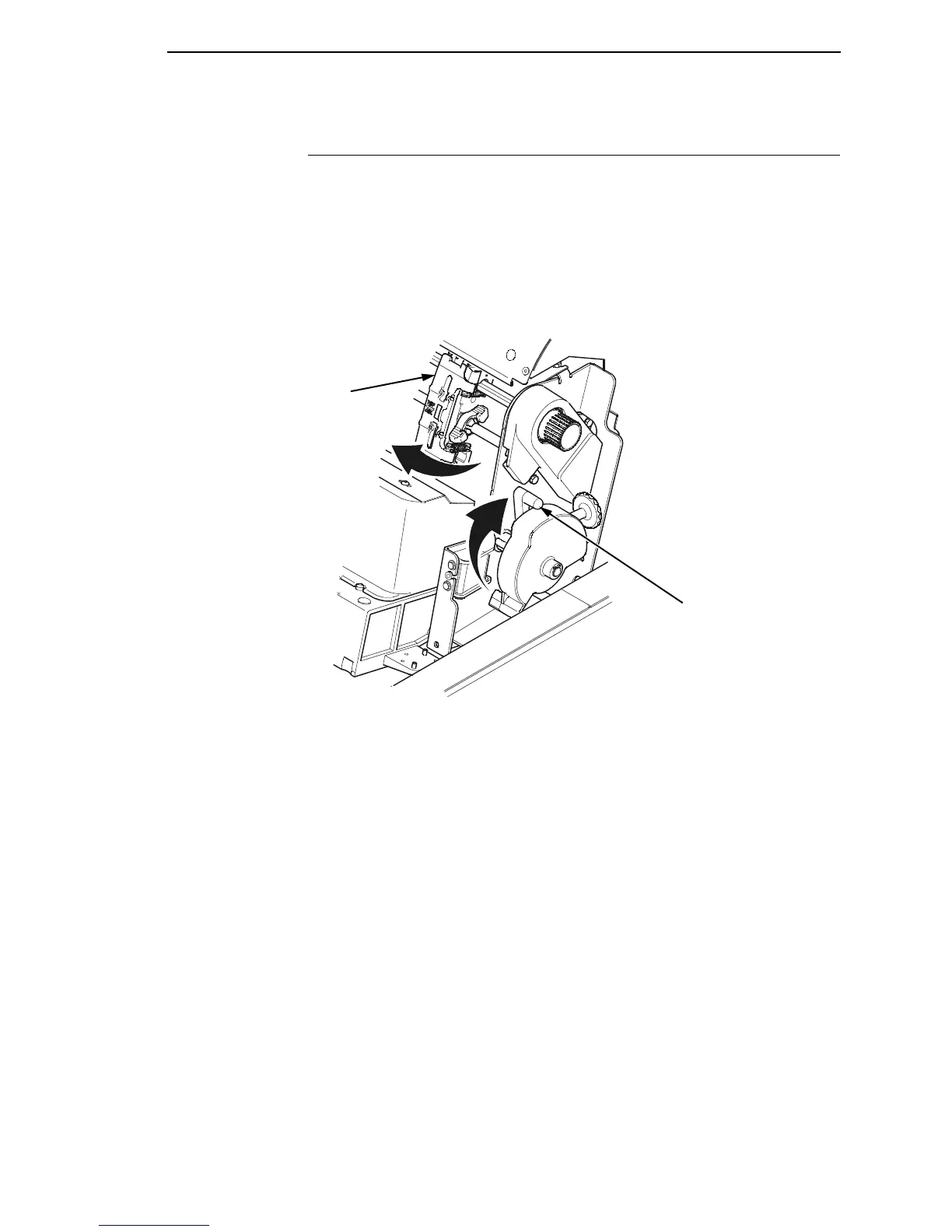
Figure 19. Preparing to Load the Ribbon
1. Open the printer cover.
2. Raise the platen lever as far as it will go.
3. Close the tractor doors.
4. Remove the old ribbon and discard properly.
183434a
Blue Tractor
Door (2)
Platen Lever













 To Next Page