44
Chapter 3 Integrated Print Management System
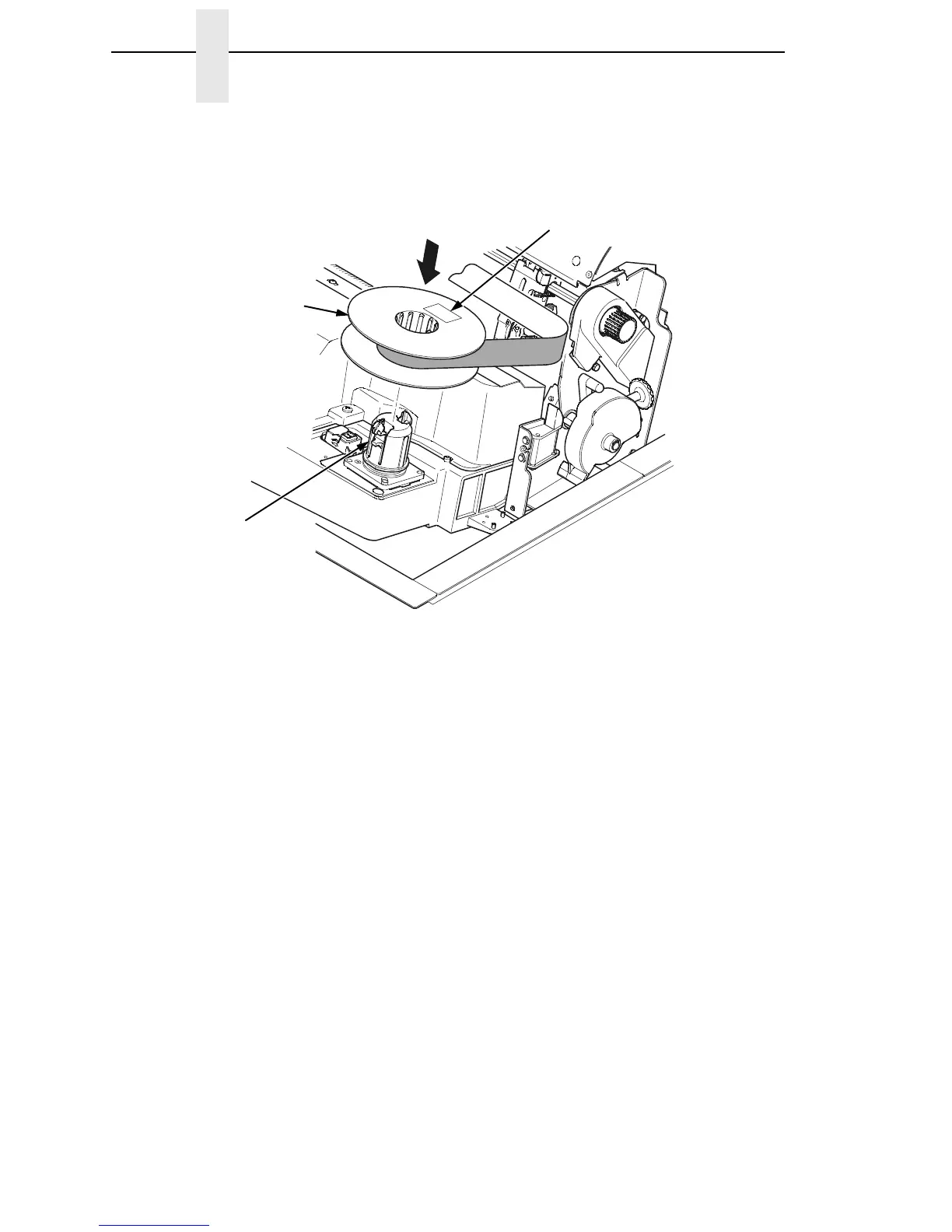
Figure 20. Loading the Barcoded Ribbon
5. Place the full spool on the right hand side ribbon hub and press it into
place.
IMPORTANT
The full spool has a barcode label on the bottom side and a date code
label on the top. Once the sensor reads and logs the ribbon barcode, the
Integrated Print Management System starts to track ribbon usage. A
date code label is on the top side of the right hand spool.
If you remove the ribbon during the course of its life and want to
re-install the same ribbon, be sure to place the same spools on the
correct hubs.
183435a
Right Hub
Spool
Date Code Label













 To Next Page