294
Appendix C Operation
Operation
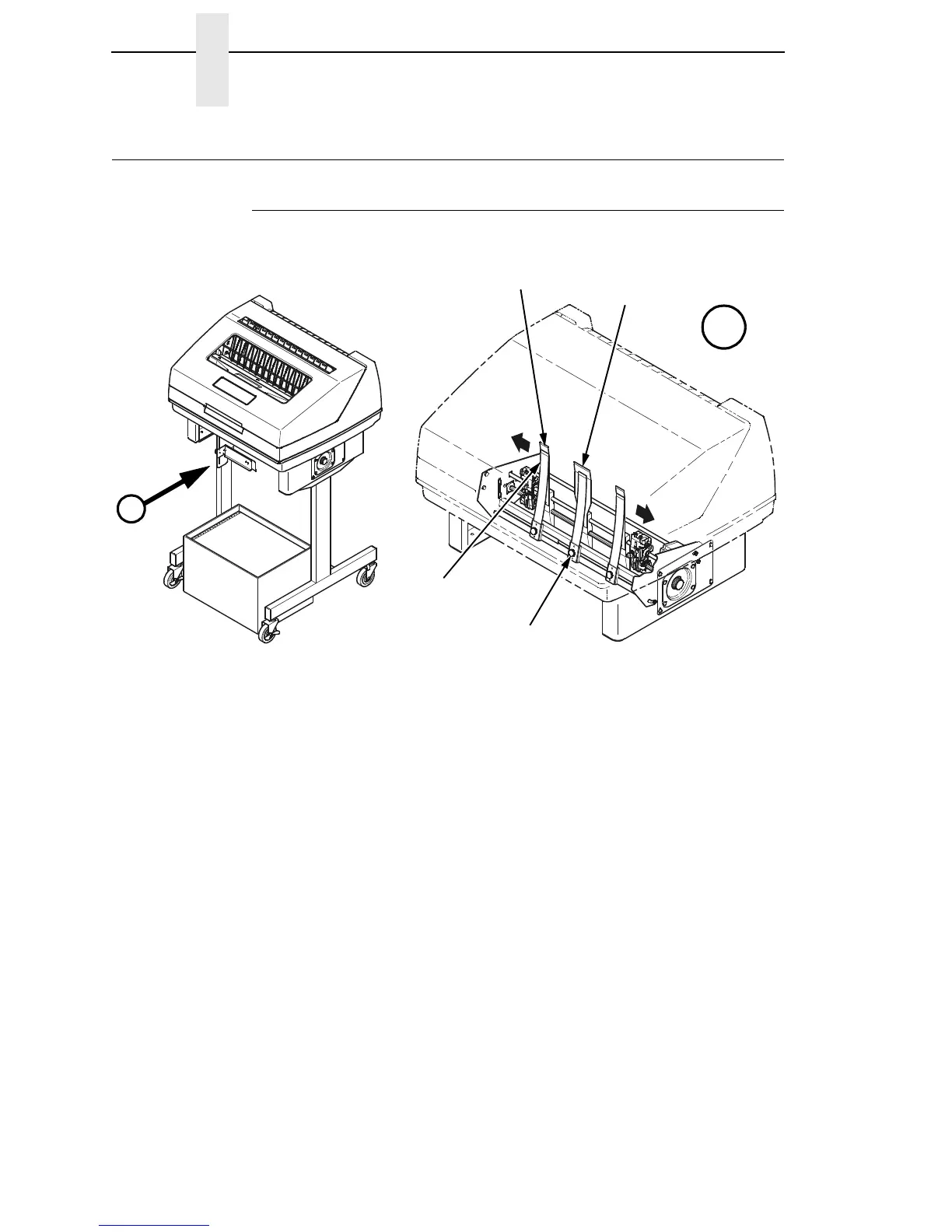
Position The Paper Input And Adjust The Paper Guides
Figure 29. Adjusting The Paper Guides
NOTE: Ensure that the paper guides are not damaged.
1. Remove the left paper guide knob and the left, front paper guide leaf.
(See Figure 29.)
2. Remove the right paper guide knob and the right, front paper guide leaf.
3. Remove the center paper guide knob and the center, front paper guide
leaf.
183484a
183483a
A
Paper Guide
Knob (3)
Center Paper
Guide Leaf
A
Outer Paper
Guide Leaf (2)
Front Paper
Guide Leaf (3)













 To Next Page