72
Chapter 4 HOST INTERFACE
HOST INTERFACE
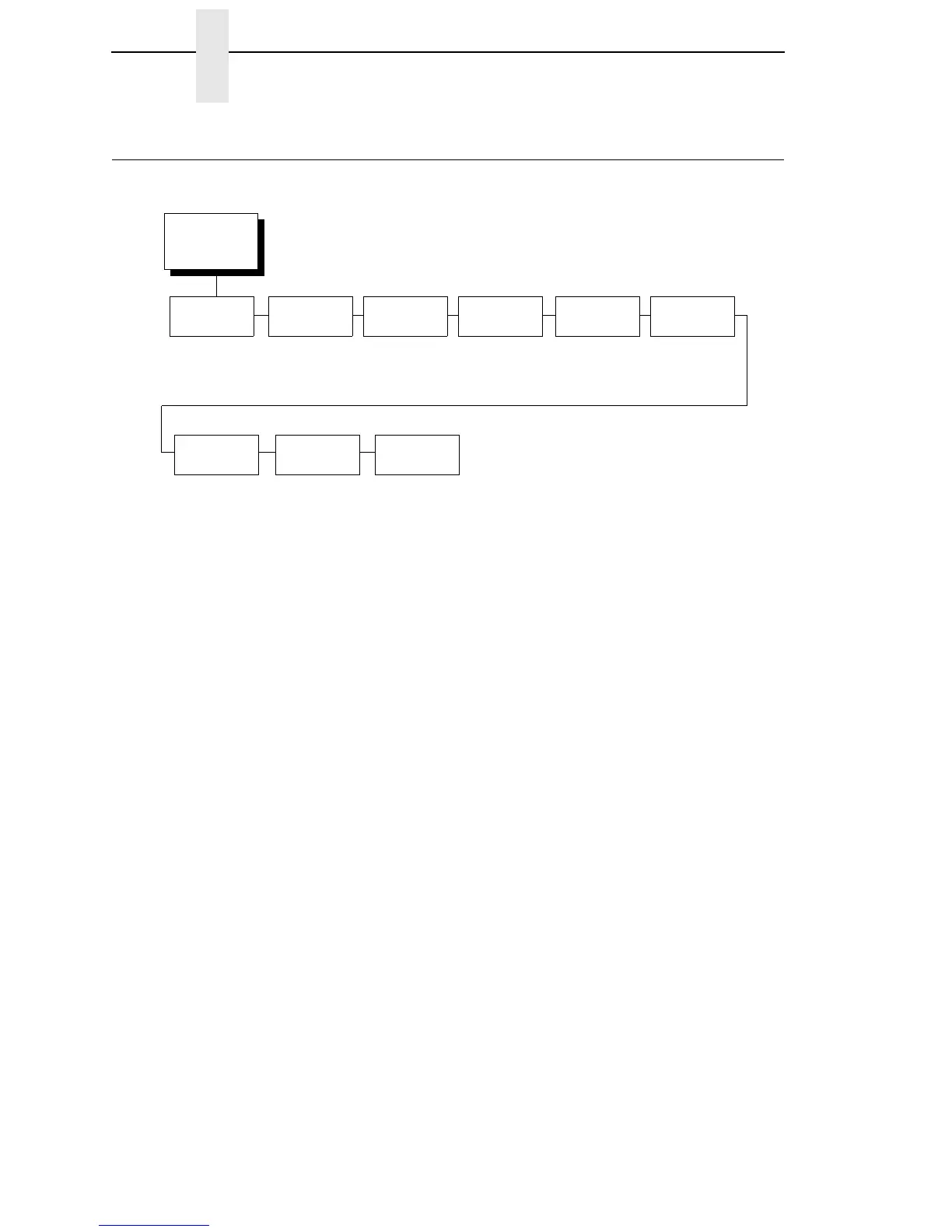
The Host Interface Menu enables you to select and configure one of many
types of interfaces between the printer and your host computer. The currently
selected interface is indicated with an asterisk on the control panel message
display. Each interface has its own submenu with a set of interface
parameters which can be configured.
IMPORTANT
When switching between Twinax, Coax, or Auto Switching, the printer
will load the power-up configuration and the new interface parameters.
Any settings made and not saved before selecting these interfaces will
be lost.
HOST
INTERFACE
(from page 59)
Twinax Coax IEEE 1284Auto
Switching*
Centronics Dataproducts
Serial Ethernet
(Available with
CT Option)
(Available with
CT Option)
(see page 75)
(see page 73)
(see page 76)
(see page 79)
(see page 81) (see page 86)
* = Factory Default
1
If installed
E-Net
Adapter
1
(see page 86)













 To Next Page