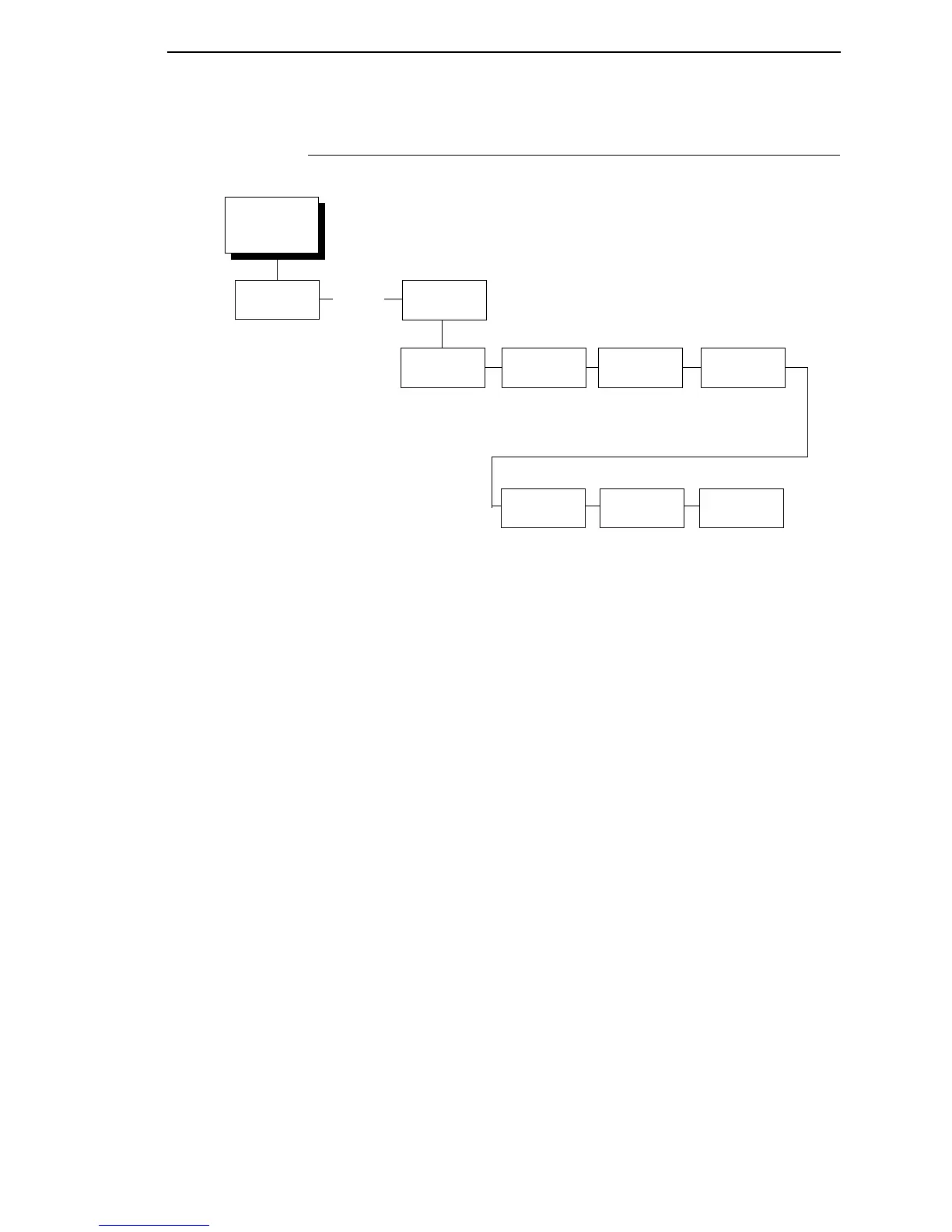
Changing Parameters Example
49
Changing Parameters Example
A configuration consists of several parameters. The default factory
configuration has a starting set of parameters. In the configuration menu
above, and in all the configuration menus in this chapter, the factory default
values are indicated by an asterisk (*).
Your print jobs may require parameter values which vary from the default
settings. This section provides an example procedure for changing individual
parameter values.
The following procedure shows how to change and save the settings for the
Barcode Quality and Language options. Use these guidelines to navigate the
configuration menus and change other parameters.
. . .
OFFLINE
QUICK
SETUP
PRINTER
CONTROL
Ribbon End
Point
Open Platen
@ BOF
Barcode
Quality
Unidirectional
Tear Bar
Dist.
Display
Language
Disable*
Enable
Dark*
Draft
Disable*
Enable
7.46 in.*
(4.5-10.5 in.)
English
German
French
Italian
Spanish
Portuguese
* = Factory Default
Accented
Char
Standard*
Tall
Darker +6
Darker +5
Darker +4
Darker +3
Darker +2
Darker +1
Normal*
Lighter -1
Lighter -2
Lighter -3
Lighter -4
Lighter -5
Lighter -6
Lighter -7
Lighter -8
Lighter -9
Lighter -10













 To Next Page