190
Chapter 4 IGP/VGL Emulation
Configuring The Emulation With The Control Panel
You can select VGL default parameters directly from the control panel or by
control codes as explained in the
IGP/VGL Programmer's Reference Manual
.
The VGL parameters are described on the following pages. Parameters
marked with an asterisk (*) indicate the default value. The printer must be
offline to enter the configuration structure.
IMPORTANT
BEFORE you reconfigure the IGP/VGL, print a configuration sheet to see
all of the current settings.
Pressing an invalid key to enter a parameter value may move you to another
level in the configuration menu or exit the menu completely.
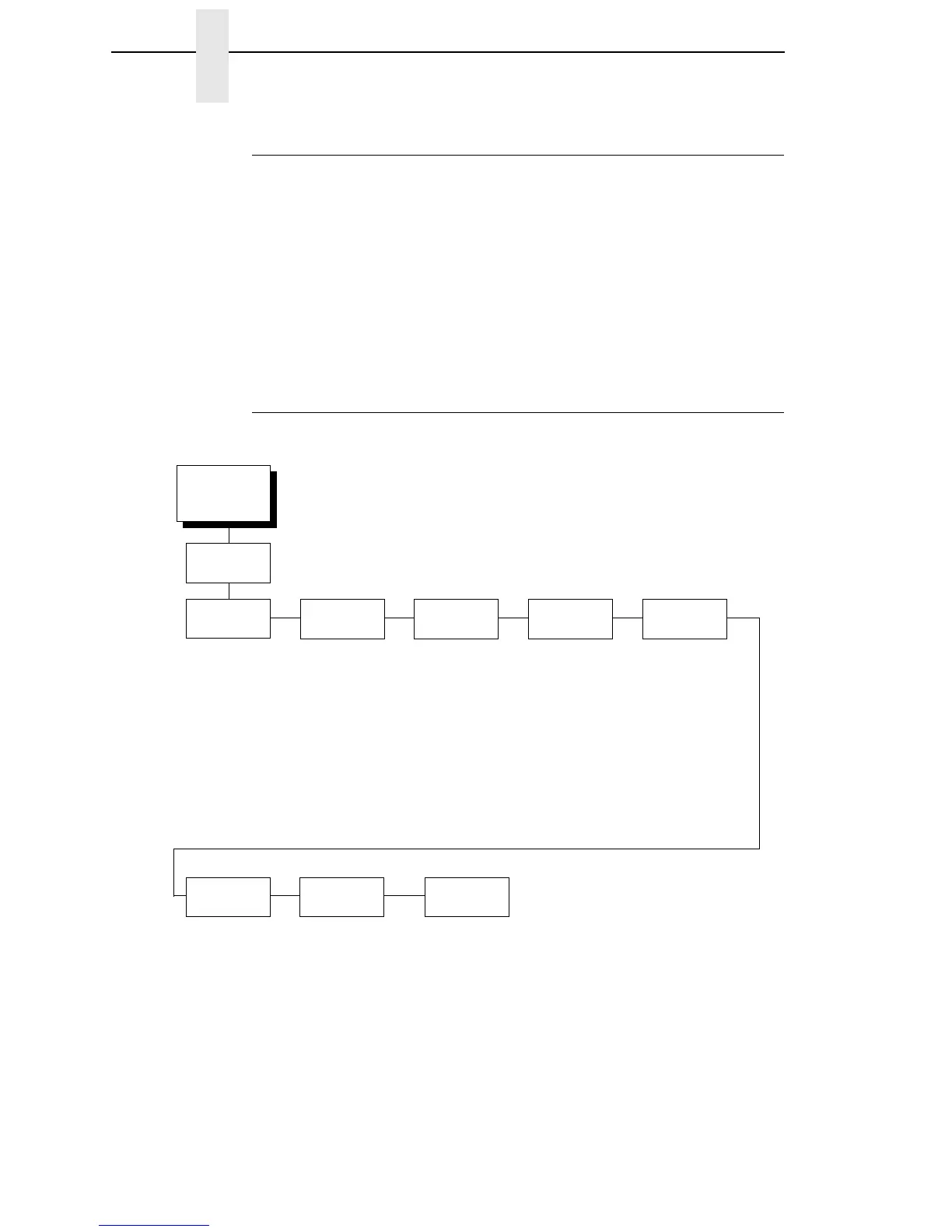
IGP/VGL Submenu
EMULATION
(from page 103)
SFCC &
Pwrup
LPI Graphics
Options
Error
Handling
Ignore/DB8
Setup
Font Set
PI Control
Prt to
Emulate
VGL SFCC
5E*
Power-up ^X
Disable*
Enable
Power-up ^F
Disable*
Enable
Power-up ^PY
Disable*
Enable
6*
7
8
9
10
(see page 191) Error Msgs
Enable*
Disable
Error Markers
Enable*
Disable
Offpage Errors
Disable*
Enable
Barcode Errors
Enable*
Disable
Ignore Chars
Disable*
Char 1
Char 2
Char 1&2
Ignore Ch#1
0* (0-255)
Ignore Ch#2
0* (0-255)
Data Bit 8
Enable*
Disable
(see page 204)
Printer PI
Disable*
Enable
Host PI
Disable*
Enable
Max PI 16
Enable*
Disable
Disable*
MVP/MVP 150B
L150
P3040
P6000
P9000
* = Factory Default
IGP/VGL













 To Next Page