Set The Tear Bar Distance
299
Set The Tear Bar Distance
To set the tear bar distance, do the following steps:
1. Make sure the printer is offline.
2. Press the right arrow until “OFFLINE/ZTP SETTINGS” displays.
3. Press the down arrow . “ZTP DataTime” displays.
4. Press the right arrow until “ZTP TearDist” displays.
5. Press the down arrow . “ZTP TearDist/xx/144 Inch” displays.
6. Press the Enter key. A scale prints to indicate the tear bar distance in
relation to the tear bar.
7. Press the left arrow or right arrow to decrease or increase the tear
bar distance in increments of 1/144th of an inch.
8. Press Enter to select the desired value. An asterisk appears next the
selected value.
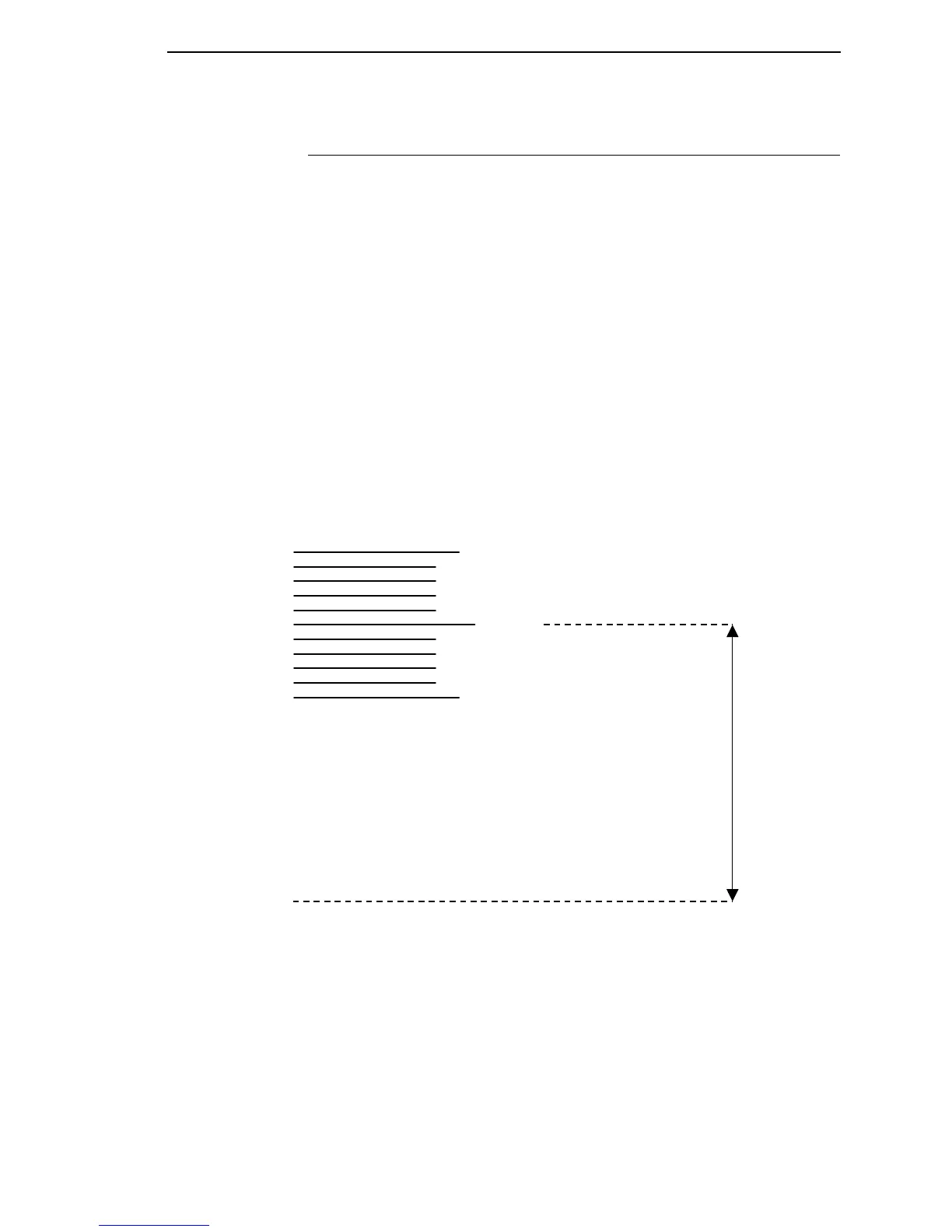
9. Press Enter again to print a new scale. For correct tear bar distance, the
zero should align with the tear bar. See
Figure 35.
Figure 35. Correct Tear Bar Distance
NOTE: When a new ZTP Tear Bar Dist value is selected, the printer will lose
the current print position until you reset the top of form to
automatically save the new value.
10. Reset the top of form using the procedure on page 300.
+50
-50
0
rint Station
Correct
TearBar
istance
hysical TearBar
osition













 To Next Page