40
Chapter 3 Operational Procedures
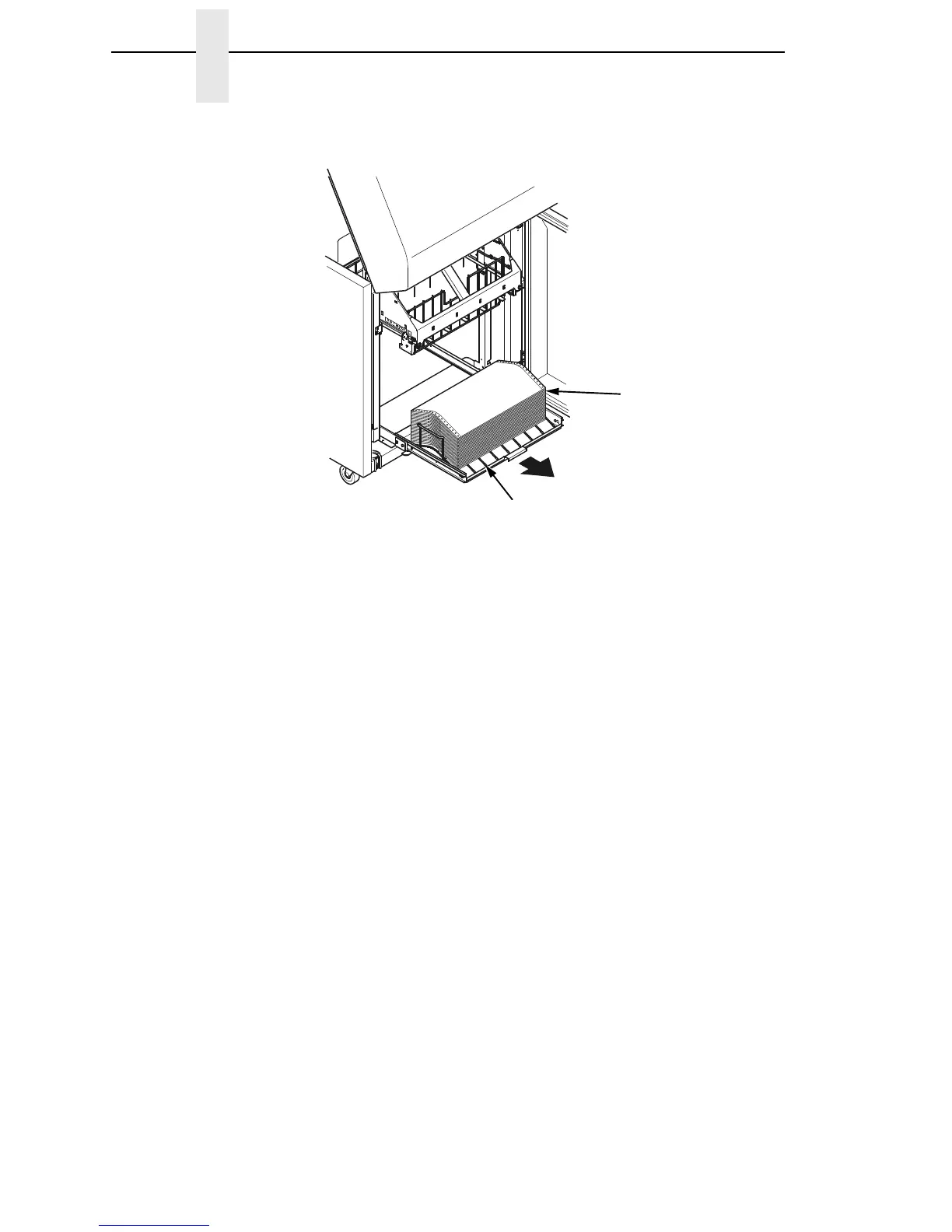
Figure 17. Removing Stacked Paper from the Printer
6. For cabinet models, remove the stacked paper from the rear cabinet floor.
For cabinet models with the power stacker installed, remove the paper
from the wire paper tent and press the STACKER DOWN key to lower the
stacker mechanism.
7. Close the cabinet rear door.
183478a
Paper
Power Stacker













 To Next Page