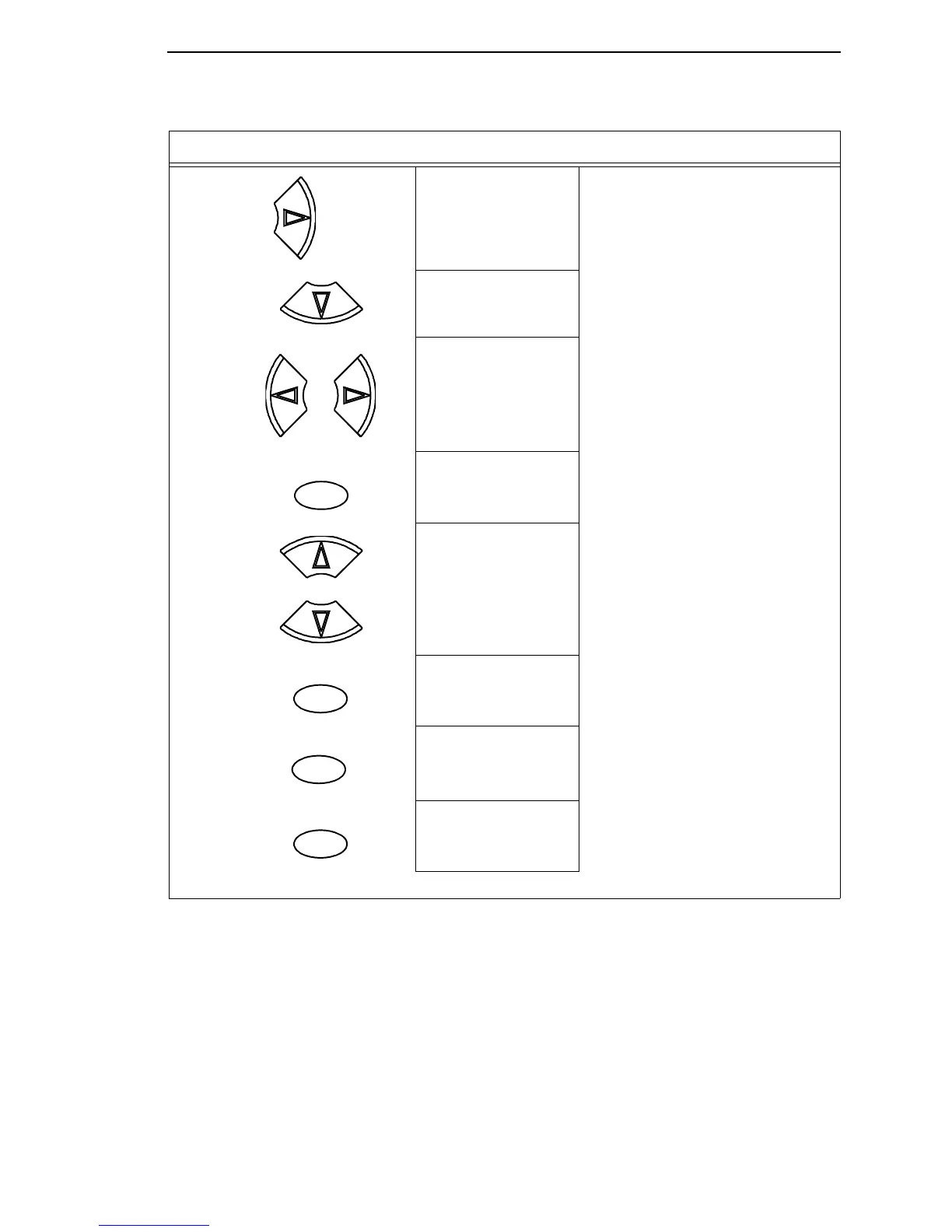
Changing Parameters Example
51
11. PRINTER CONTROL
Display Language
12. Display Language
English*
13. Display Language
Spanish
Press until the desired parameter displays.
14. Display Language
Spanish*
The * indicates this choice is active.
15. ENTER SWITCH
LOCKED
Locks the ENTER key.
16. ENTER = Save
ONLINE = No Save
Press ENTER to automatically save
configuration changes. Press ONLINE to
continue without saving.
17A. Cfg = 1*
= Power-Up Cfg
Configuration changes have been saved as
Configuration 1, and will be set as the
Power-Up config. The printer will then be
brought online.
17B. ONLINE
Ribbon Life = 100%
Places the printer online without
permanently saving the configuration
changes.
18. The printer is ready for operation
Step Press LCD Notes
UNTIL
OR
ENTER
+
ON LINE/CLEAR
ENTER
ON LINE/CLEAR













 To Next Page