H - I - J PROGRAMMER’S MANUAL V8.94.11-
- 44 -
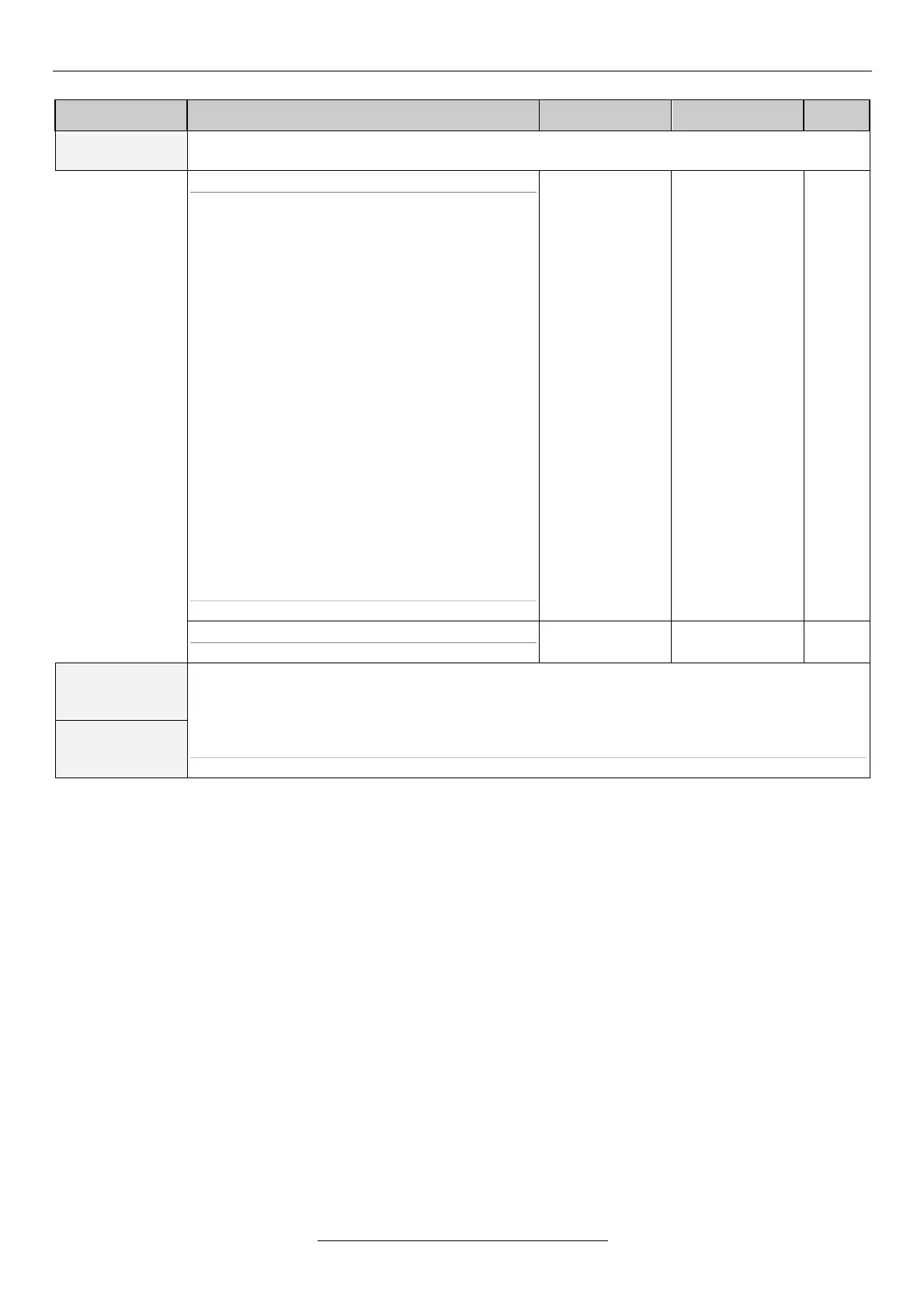
Explanation, further submenus
Signalization of the operation modes or of the state of the comparators, timing function, setting of
PID extension or inactive state (“N”).
5-11-1 signal source
The parameters of the comparators in menus 5-
21, 5-22 and 5-23,
PID extension parameters in menu 5-29,
The parameters of the time intervals can be set in
menus 5-26, 5-27 5-28.
* PID extension 3 at VLD and VHD types only
N
ready
start
stop
forward
brake rel.
compare 1
compare 2
compare 3
error code
MOD bus
PID ext. 1
PID ext. 2
PID ext. 3 *
period 1,2,3
period 1
period 2
period 3
start forward
start backward
external error
knife start
error
control / regul.
5-11-2 active state
opening or closing contact
The setting is the same as that of item 5-11 digital output 1.
* digital output 3 at VLD and VHD types only


 To Next Page