User Manual
13
1.1 Using the Wizard for Basic Configuration
The Setup Wizard can walk you through some important settings of the device. By default, the Setup Wizard
starts once the device has loaded.
Operating the Setup Wizard:
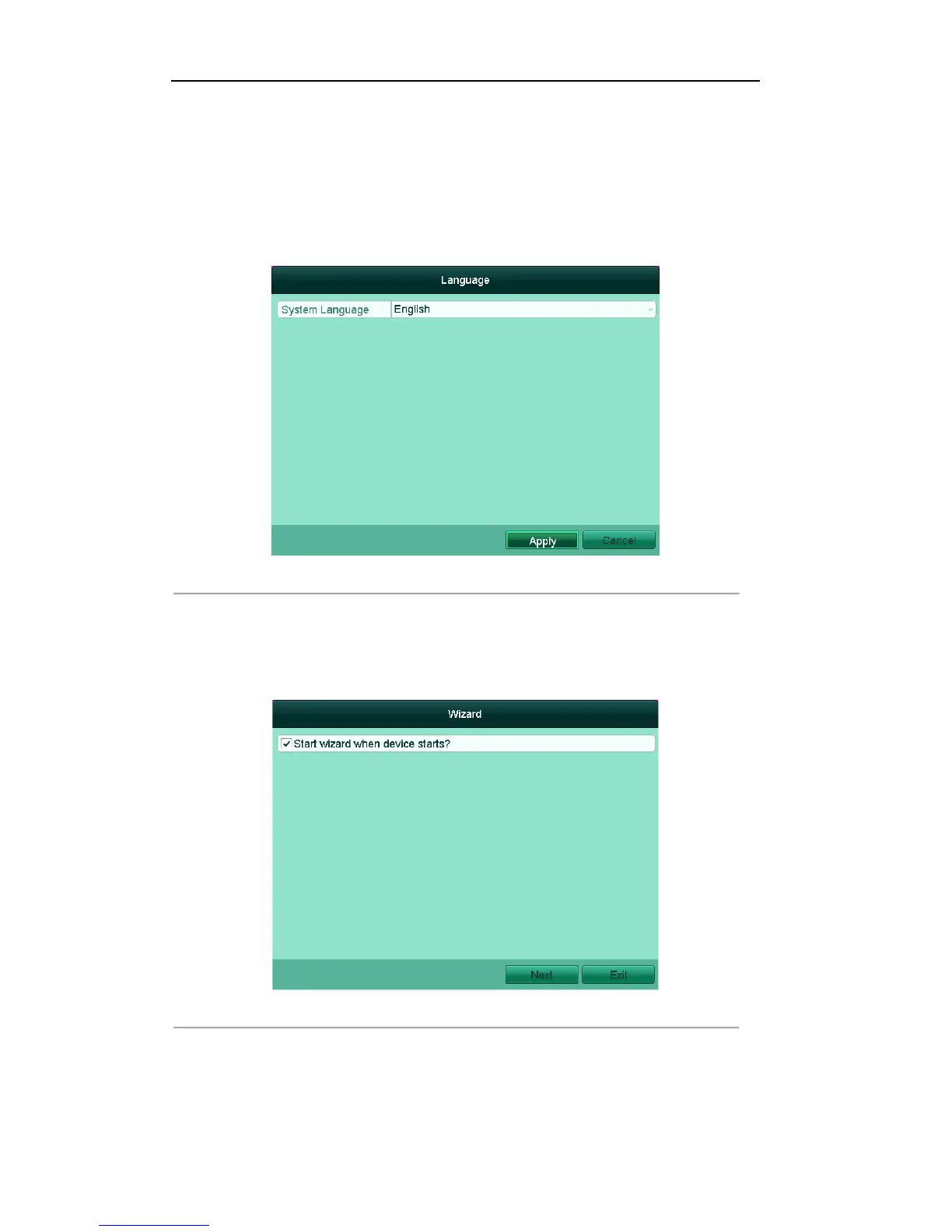
1. You can set the system language after the device is started. Click Apply to save the language settings.
Figure'2.1'Start'Wizard'Interface'
2. The Setup Wizard will start after the language settings are configured. Check the checkbox to enable
Setup Wizard when device starts. Click Next to continue the setup wizard.
You can also click Cancel to exit the Setup Wizard, or use the Setup Wizard next time by leaving the
“Start wizard when DVR starts?” checkbox checked and exit.
Figure'2.2'Start'Wizard'Interface'
3. Click Next button on the Wizard window to enter the Login window, as shown in Figure 2.3.
1) Enter the admin password. By default, the password is 12345.
2) To change the admin password, check the New Admin Password checkbox. Enter the new
password and confirm the password in the given fields.



 To Next Page