User Manual
90
6.2 Managing Backup Devices
Management of USB flash drive or USB HDD.
Steps:
1. Enter the Export interface of backup device. For details, see Chapter 7.1~7.2.
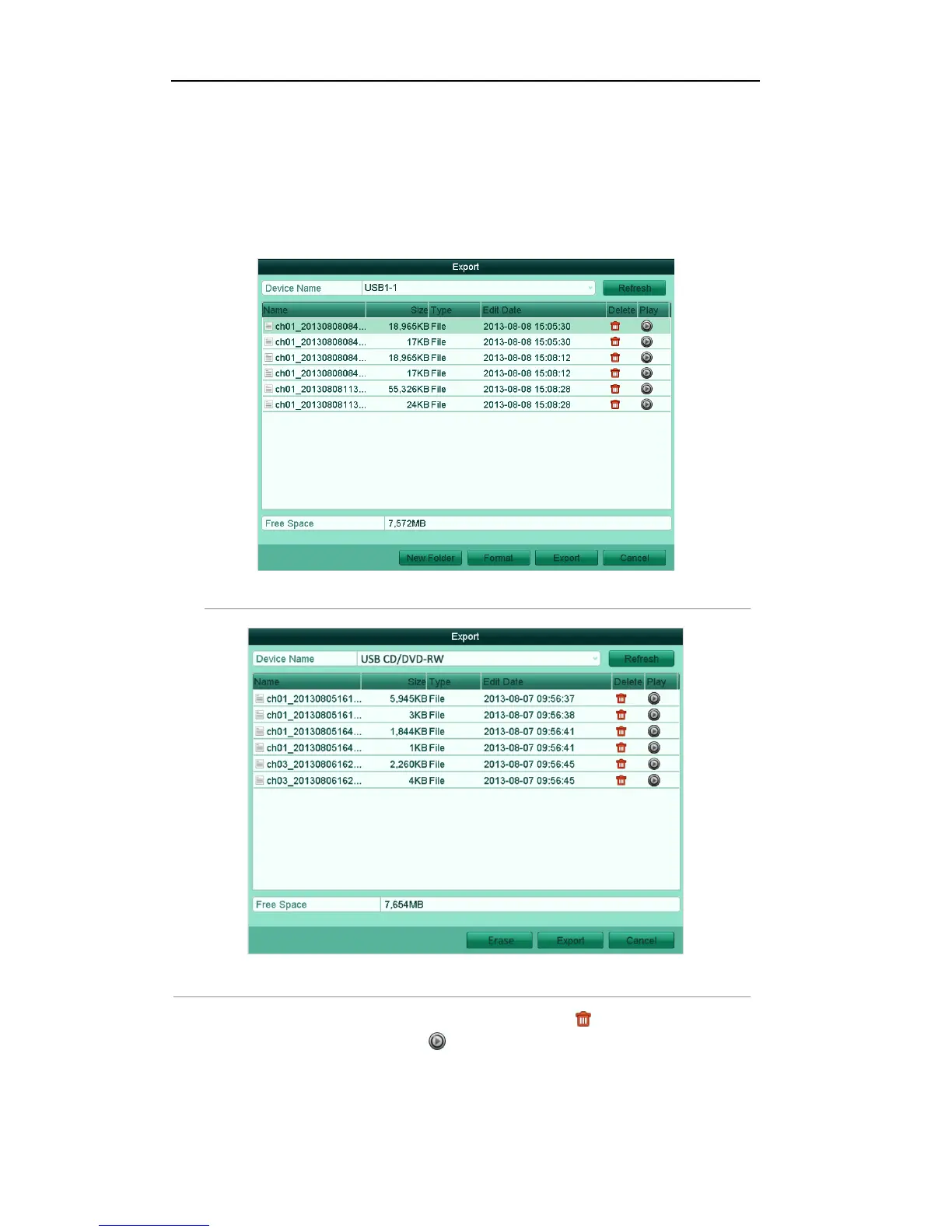
Figure'7.18'Management'of'USB'Flash'Drives'or'USB'HDDs' '
'
Figure'7.19'Management'of'USB'Writers'a nd'DV D[R/W' '
2. Select a record file/folder/picture in the backup device, click the icon , and you can delete it.
Select a record file/picture, click the icon , and then you can play and view the video/picture.
For USB Flash Drives or USB HDDs:
Click the button New Folder, and you can create a new folder in the backup device.



 To Next Page