User Manual
38
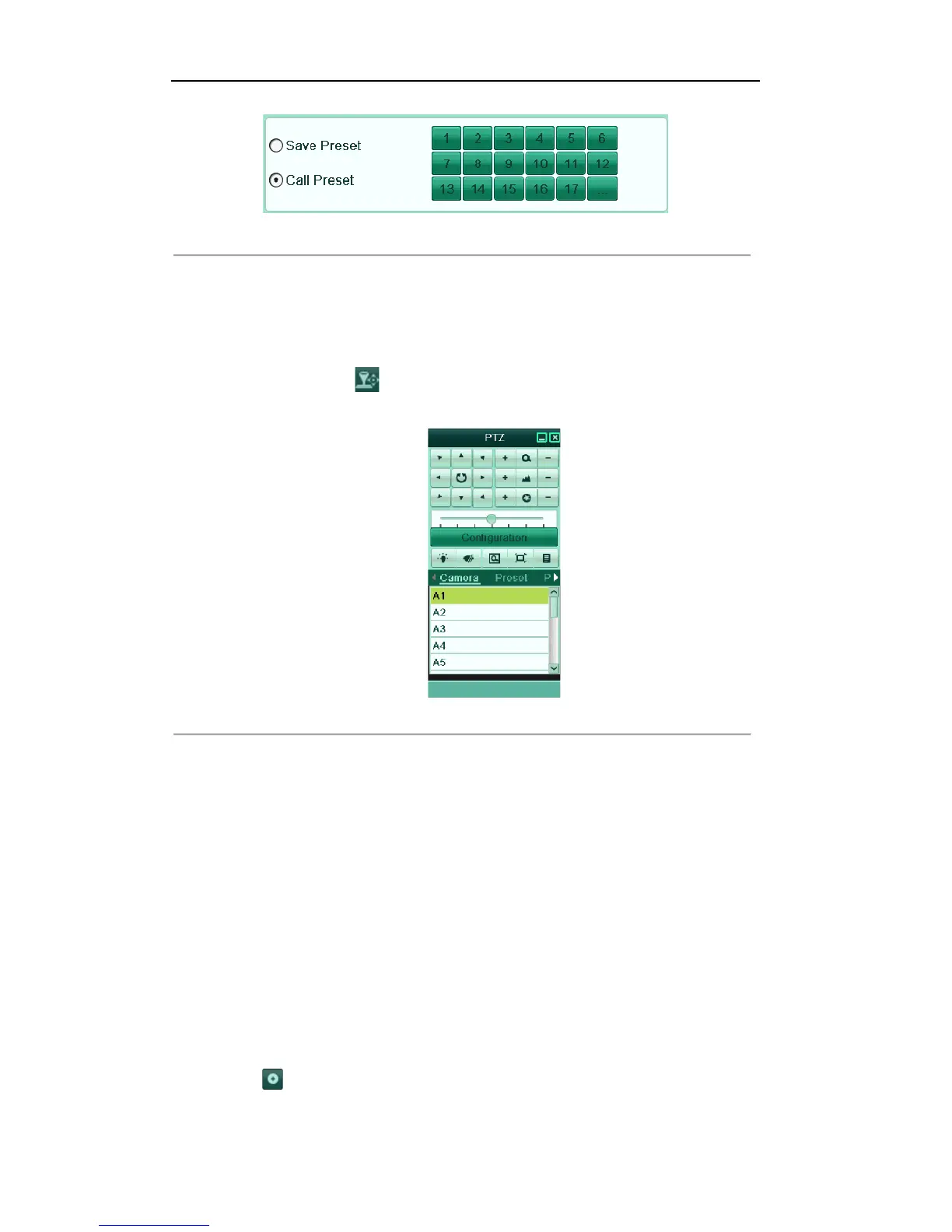
Figure'4.4'PTZ['Call'Preset'
3. Choose the preset number.
Call preset in live view mode:
Steps:
1. Click the PTZ Control icon in the quick setting bar to enter the PTZ setting menu in live view
mode.
Figure'4.5'PTZ'Toolbar['Call'Preset'
2. Choose Camera in the list on the menu.
3. Choose preset in the Preset list.
3.2.3!Customizing!Patrols!
Purpose:
Patrols can be set to move the PTZ to different key points and have it stay there for a set duration before
moving on to the next key point. The key points are corresponding to the presets. The presets can be set
following the steps above in Customizing Presets.
Steps:
1. Enter the PTZ Control interface.
Menu>Camera>PTZ>More Settings
2. Select patrol number.
3. Select the under Patrol option box to add key points for the patrol.



 To Next Page