User Manual
142
11.1 Viewing System Information
11.1.1!V iewing!Device !Inf ormation! !
Steps:
1. Enter the System Information interface.
Menu > Maintenance > System Info
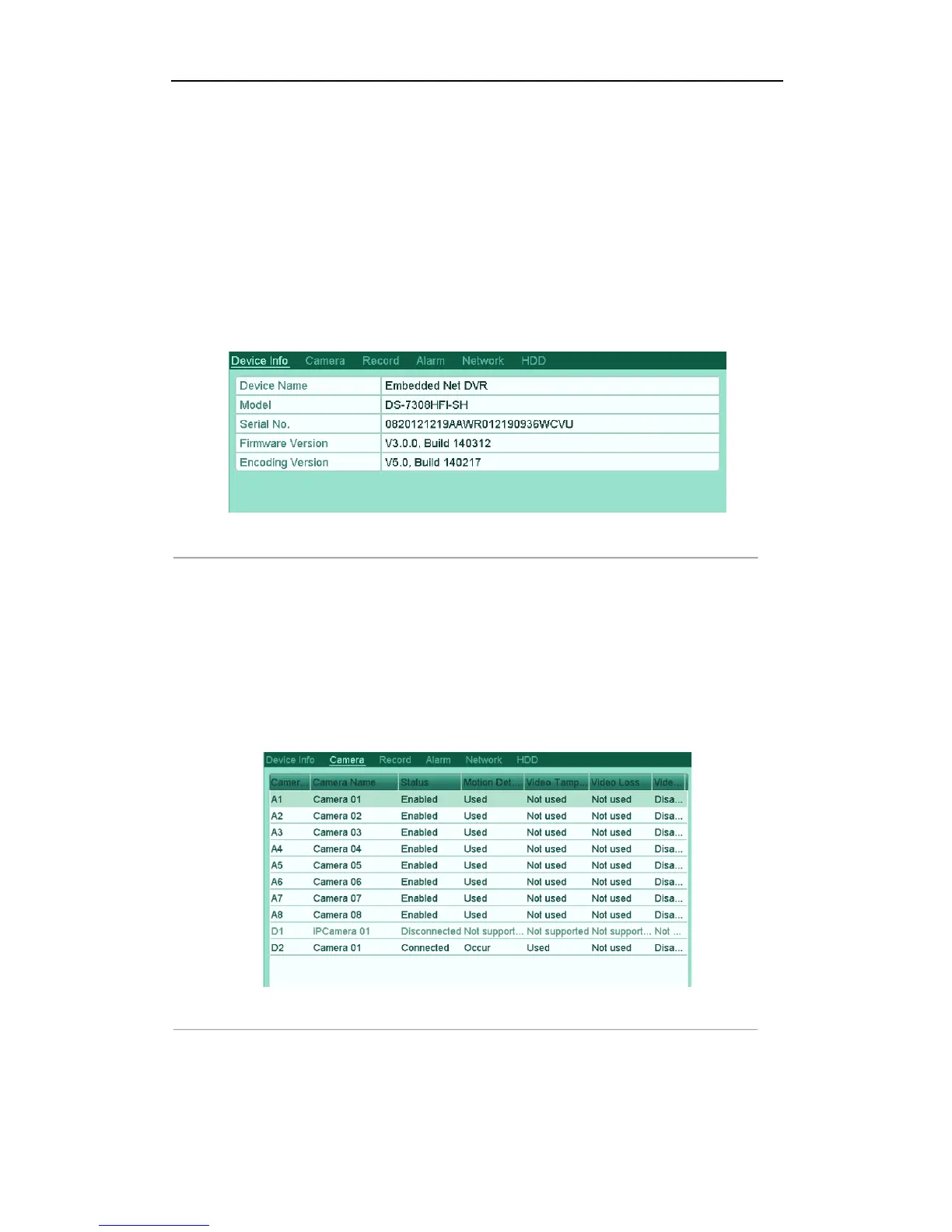
2. Click the Device Info tab to enter the Device Information menu to view the device name, model, serial No. ,
firmware version and encoding version.
Figure'12.1'Device'Infor m a tio n 'In ter fac e'
!
11.1.2!Viewing!Camera!Information!
Steps:
1. Enter the System Information interface.
Menu > Maintenance > System Info
2. Click the Camera tab to enter the Camera Information menu to view the status of each camera.
Figure'12.2'Camera'Information'Interface' '
!



 To Next Page