User Manual
40
3.2.4!Calling!Patrols!
Purpose:
Calling a patrol makes the PTZ to move according the predefined patrol path.
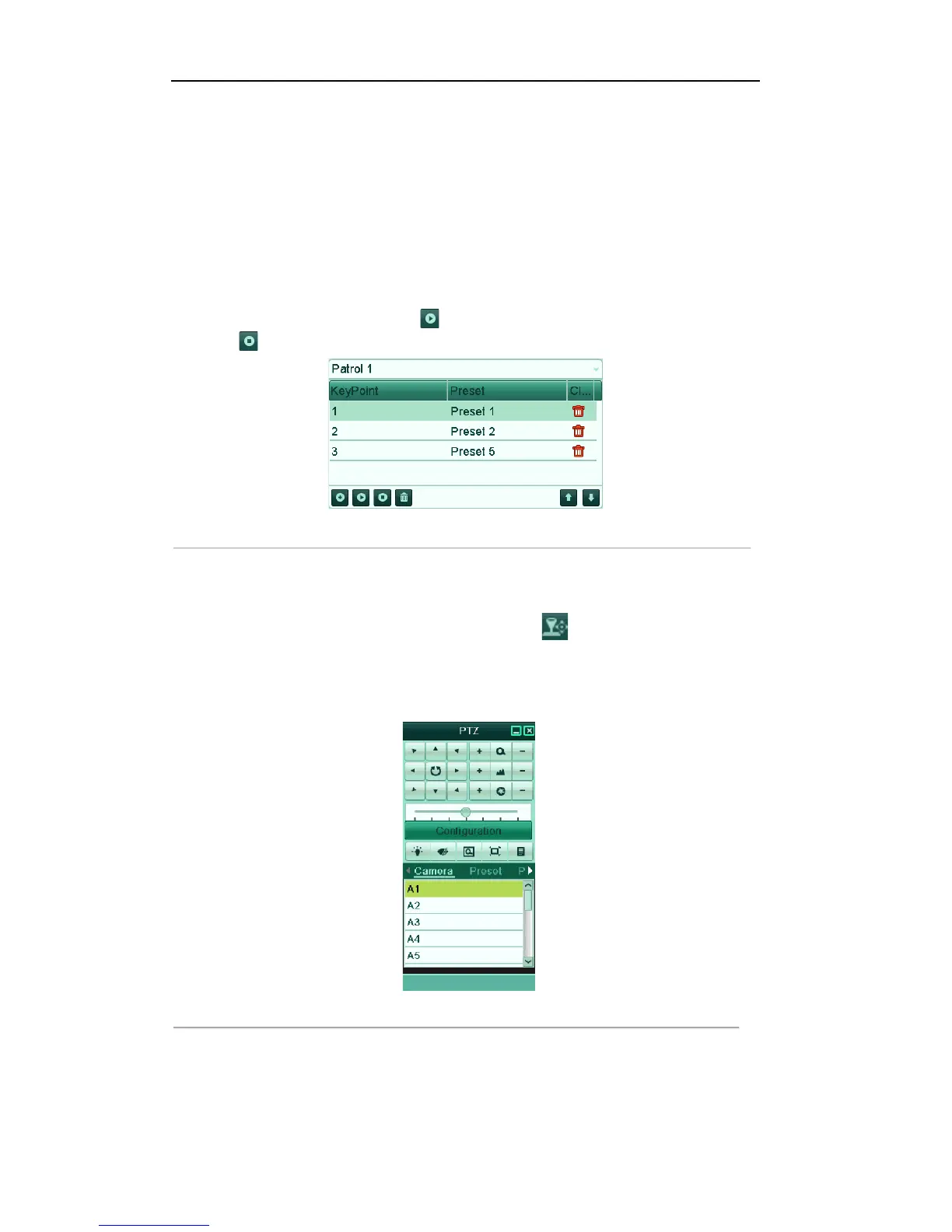
Call patrol in the PTZ setting interface:
Steps:
1. In the PTZ setting interface.
Menu> Camera> PTZ> More Settings
2. Select the patrol number, and then click to call the patrol.
3. Click to stop it.
Figure'4.9'Calling'Patrol'
Call patrol in live view mode:
Steps:
1. Press PTZ control on the IR remote, or click PTZ Control icon on the quick setting toolbar, to
show the PTZ control toolbar.
2. Choose Patrol on the control bar.
3. Click the patrol you want to call.
Figure'4.10'PTZ'Toolbar['Call'Patrol'



 To Next Page