User Manual
150
11.5 Restoring Default Settings
Steps:
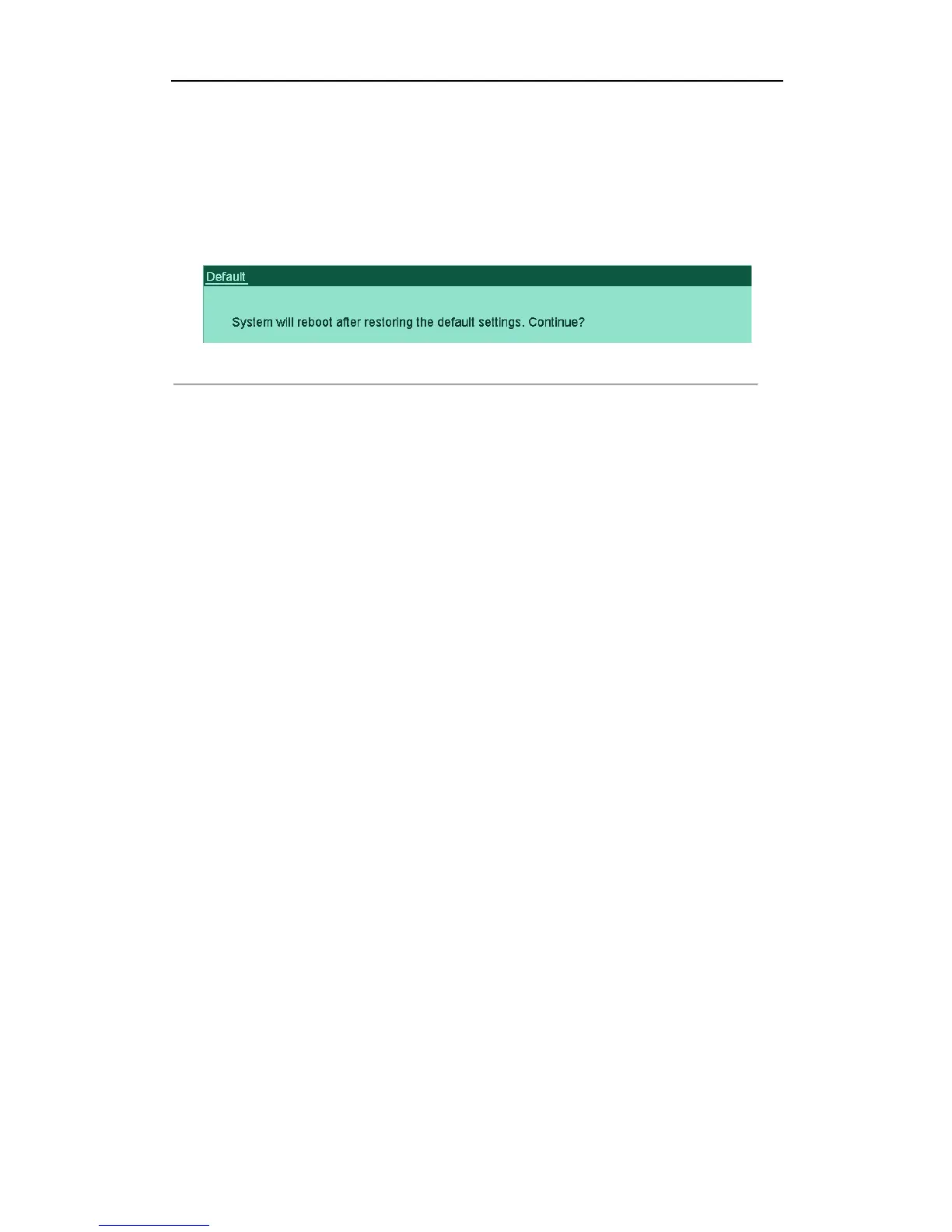
1. Enter the Default interface.
Menu > Maintenance > Default
Figure'12.14'Restore'Factory'Default'
!
2. Click the OK button to restore the default settings.
Note: Except the network parameters (including IP address, subnet mask, gateway, MTU and server port), all other
parameters of the device will be restored to factory default settings.



 To Next Page