User Manual
17
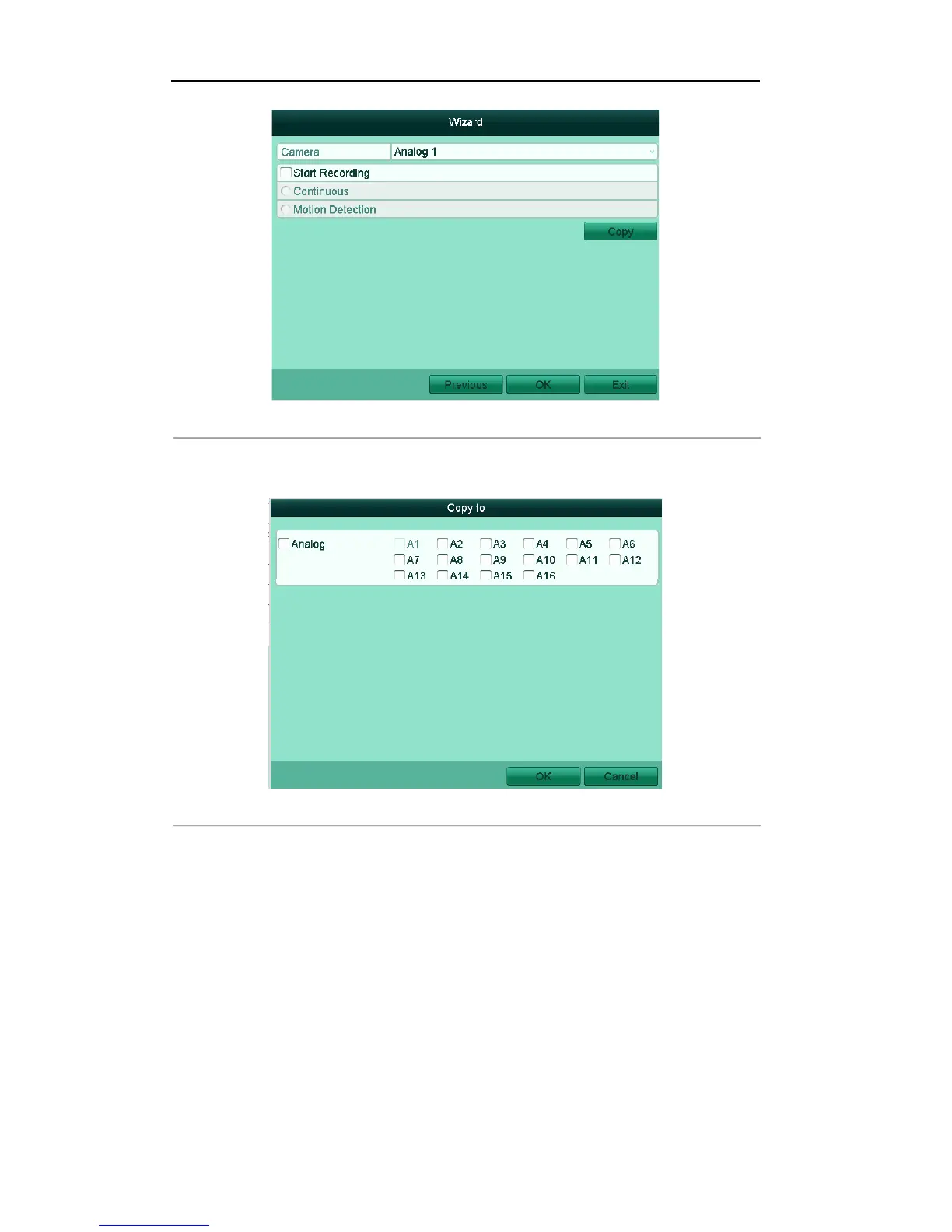
Figure'2.9'Record'Settings'
4) Click Copy to copy the record settings of the current camera to other camera (s) if needed, as
shown in Figure 2.10.
Figure'2.10'Copy'Record'Settings' '
5) Click OK to return to the Record Settings window.
13. Click OK to complete the startup Setup Wizard.
1.2 Menu Operation
After entering the local operation interface of the device, the main menu bar will be displayed on the top of
the screen. You can click the icons to enter the corresponding submenus and perform the operations.



 To Next Page