User Manual
16
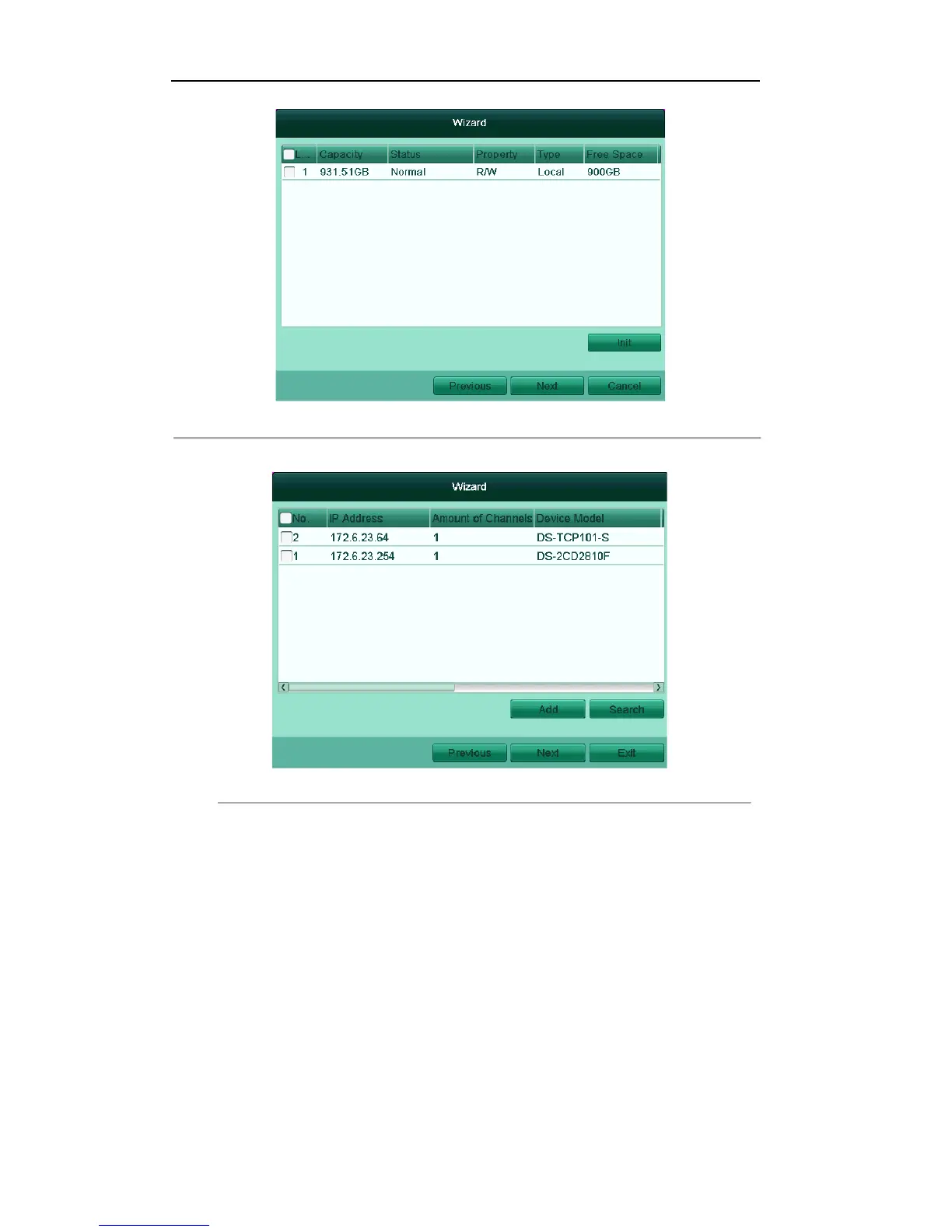
Figure'2.7'HDD'Management'
9. Click Next to enter the IP Camera Management window (only supported by HDVR series).
Figure'2.8'IP'Camera'Ma na ge m en t'
10. Click Search to search IP Camera. Click Add to add IP Camera (only supported by HDVR series).
11. After finishing IP Camera settings, click Next to enter the Record Settings window.
12. Click Next button to enter the Record Settings window, as shown in Figure 2.9.
1) Select the camera to configure.
2) Check the checkbox to enable Start Recording.
3) Select the recording mode to Normal or Motion Detection.



 To Next Page