User Manual
45
4.1 Configuring Encoding Parameters
Purpose:
By configuring the encoding parameters you can define the transmission stream type, the resolution and so on.
Before you start:
1. Make sure that the HDD has already been installed. If not, please install a HDD and initialize it.
(Menu>HDD>General)
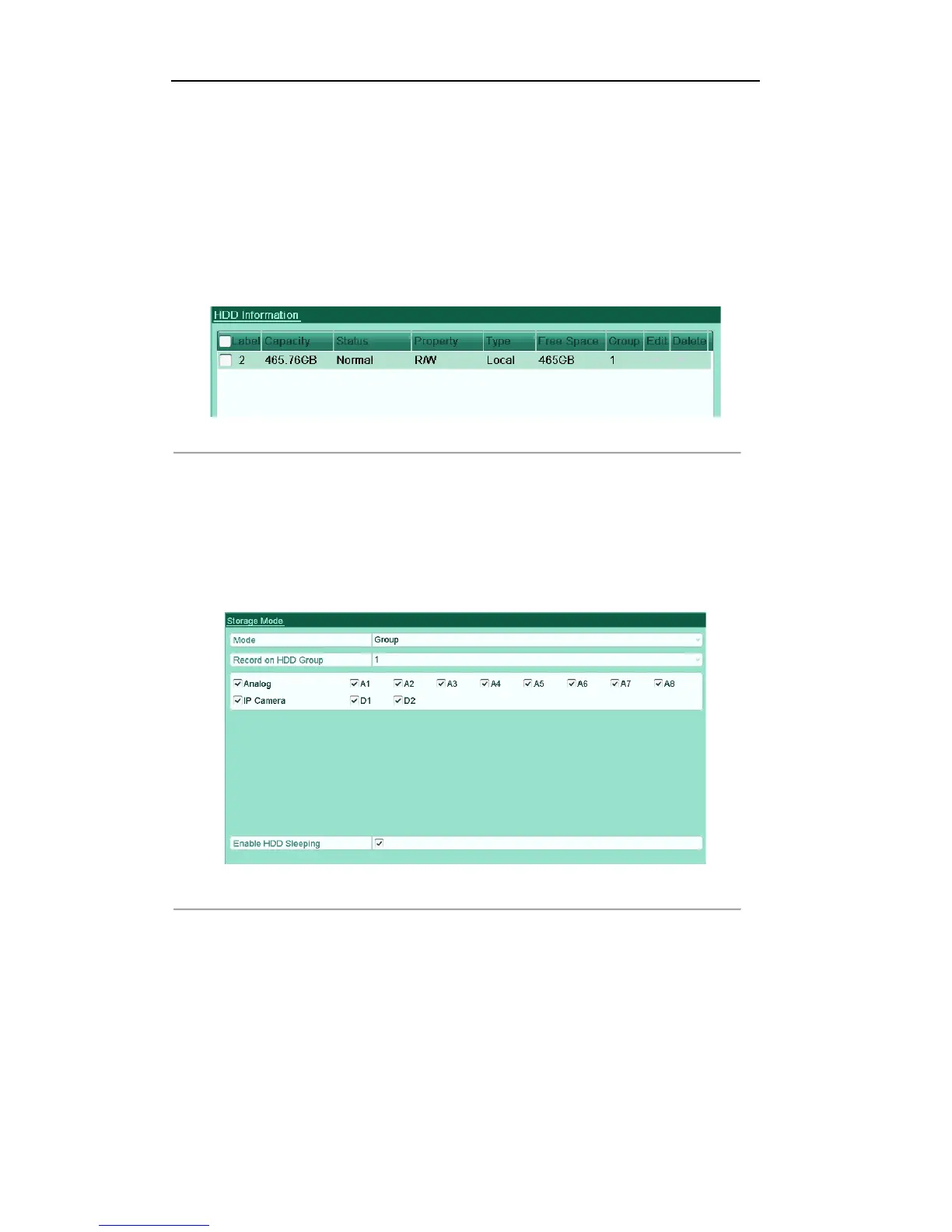
Figure'5.1'HDD['General'
2. Check the storage mode of the HDD
1) Click Advanced to check the storage mode of the HDD.
2) If the HDD mode is Quota, please set the maximum record capacity. For detailed information, see
Chapter 10.4 Configuring Quota Mode.
3) If the HDD mode is Group, you should set the HDD group. For detailed information, see Chapter
5.8 Configuring HDD Group for Record.
Figure'5.2'HDD['Advanced' '
Steps:
1. Enter the Record settings interface to configure the encoding parameters:
Menu>Record>Parameters



 To Next Page