User Manual
41
3.2.5!Customizing!Patterns!
Purpose:
Patterns can be set by recording the movement of the PTZ. You can call the pattern to make the PTZ
movement according to the predefined path.
Steps:
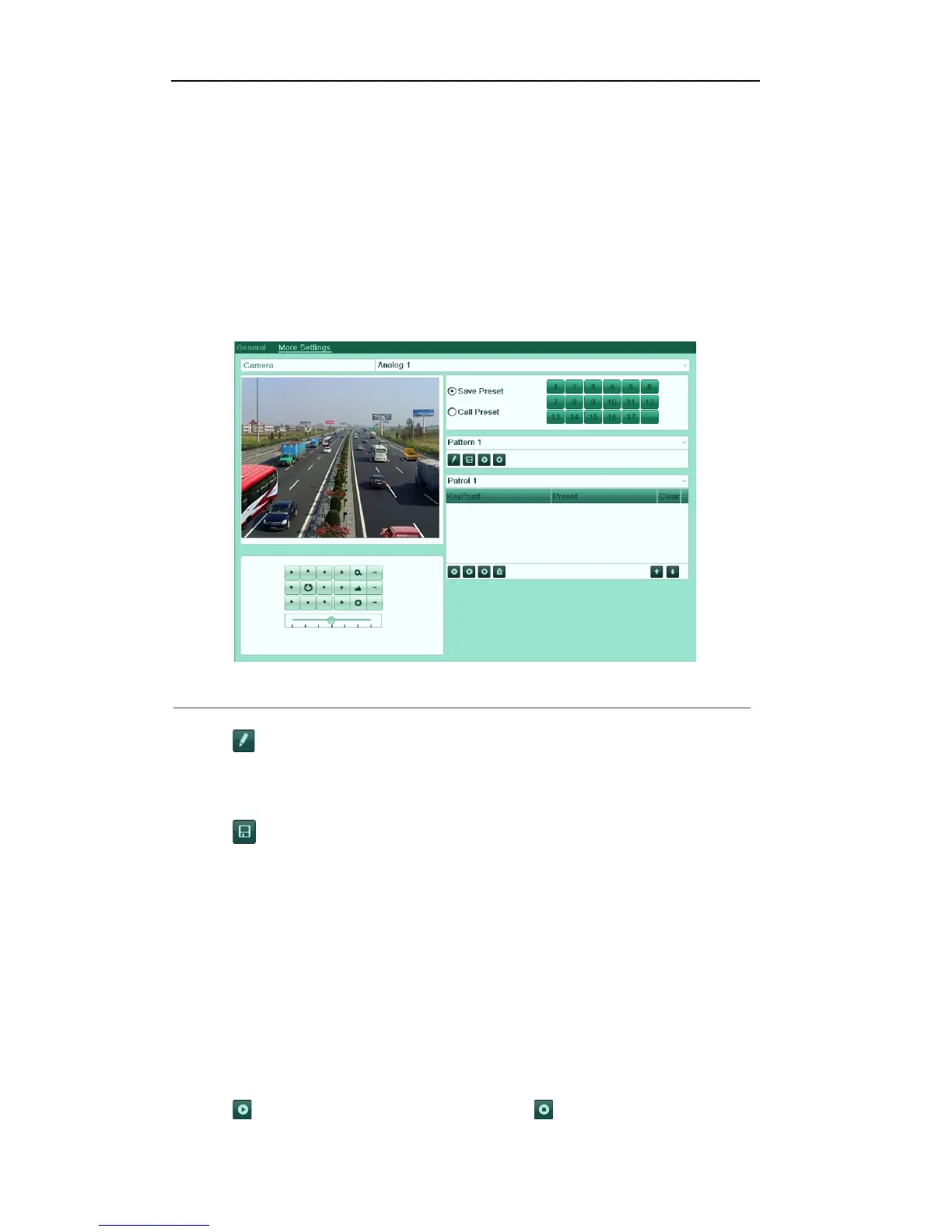
1. Enter the PTZ Control interface.
Menu>Camera>PTZ>More Settings
2. Choose pattern number in the option box.
Figure'4.11'PTZ['Pattern'
3. Click , and use your mouse to drag the image or click the eight directional buttons in the control box
under the image to move the PTZ camera.
The movement of the PTZ is recorded as the pattern.
4. Click to save the pattern.
Repeat the above steps to save more patterns.
3.2.6!Calling!Patterns!
Purpose:
Follow the procedure to move the PTZ camera according to the predefined patterns.
Call pattern in the PTZ setting interface
Steps:
1. Enter the PTZ Control interface.
2. Select the pattern number.
3. Click , then the PTZ moves according to the pattern. Click to stop it.



 To Next Page