User Manual
27
Note: In the live view mode of the main output monitor, the menu operation is not available while Aux output
mode is enabled.
2.2.4!Main/Aux!Output!Switching! ! !
When the HDMI/VGA output is configured as the main output, you can perform the following operation to
switch to CVBS output as the main output.
Steps:
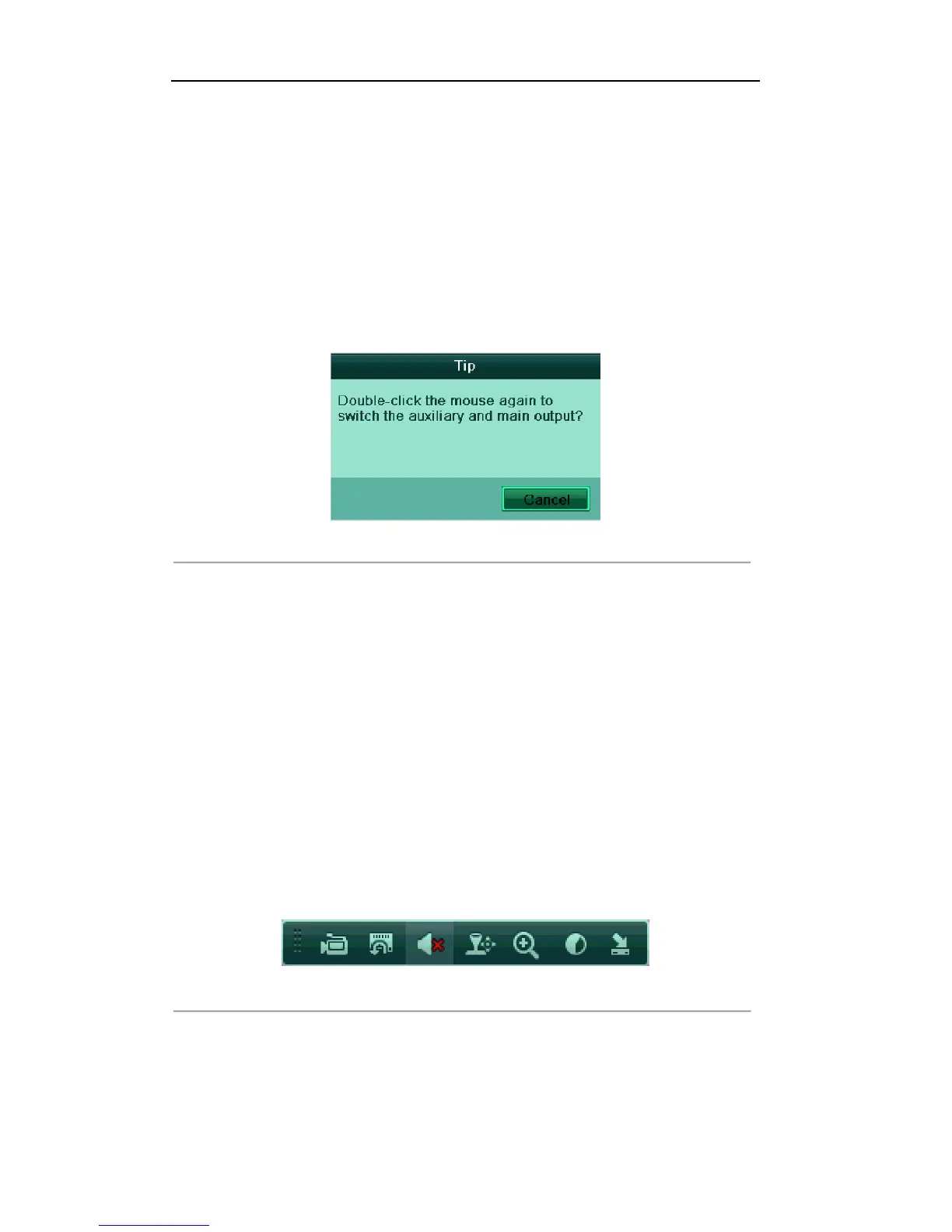
1. Use the mouse wheel to double-click on the HDMI/VGA output screen, and the following message box
pops up:
Figure'3.2'Switch'Main'and'Aux'Output
!
2. Use the mouse wheel to double-click on the screen again to switch to the Aux output, or click Cancel to
cancel the operation.
3. On the aux output monitor, you can do some basic operation on the live view mode for the Aux output,
including recording, live view, image settings, switch to main monitor, and no operation is allowed for
the main output.
4. To switch to the main vide output, select the Main Monitor from the right-click menu or use the mouse
wheel to double-click on the screen and then click Yes on the pop-up message box.
Note: You can select the Menu Output Mode under Menu>Configuration>More Settings to Auto or
HDMI/VGA and then restart the device to switch the main output back to HDMI/VGA output.
2.2.5!Quick!Setting!Toolbar!in!Live!View!Mode!
On the screen of each channel, there is a quick setting toolbar which shows when you left-click mouse on the
camera.
Figure'3.3'Quick'Settings'Toolbar
!



 To Next Page