User Manual
79
5.2.3!Digital!Zoom !
Steps:
1. Enter the Playback interface and start the playback. For details, see Chapter 6.1.
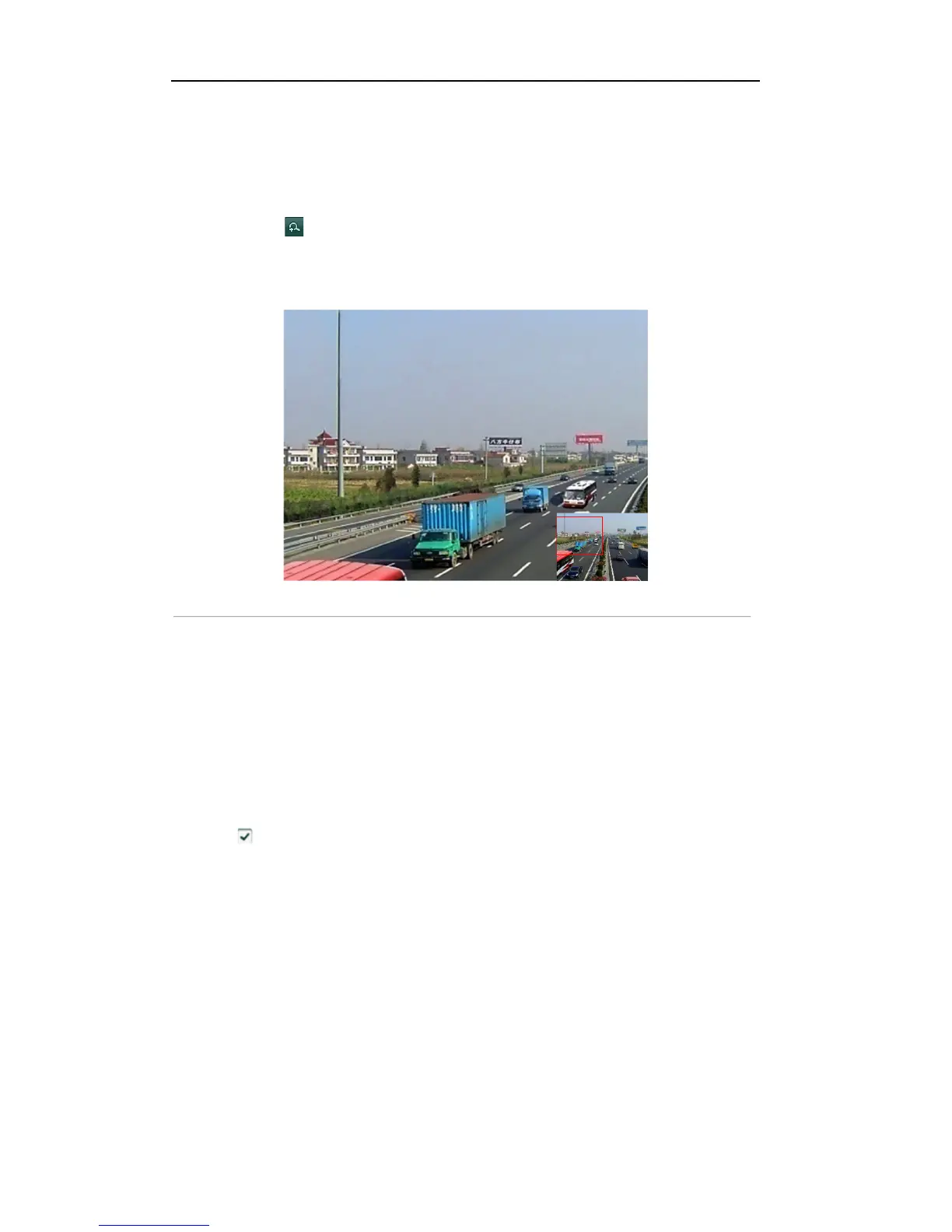
2. Click the icon on the playback control toolbar to enter Digital Zoom mode.
3. Click-and-drag the mouse to draw a red rectangle on the window in the lower-right corner of the
interface. And then the image within it will be enlarged up to 16 times.
4. Right-click to exit the Digital Zoom mode.
Figure'6.25'Draw'Area'for'Digital'Zoom
'
5.2.4!Reverse!Play b a ck ! !
Purpose:
You can play back record files of single channel or multi-channel reversely.
Steps:
1. Enter the Playback interface.
Menu>Playback
2. Check checkbox to select the channel(s) and double-click to select a date on the calendar.
Note: If more than one channel is optional, the synchronous playback will be activated.



 To Next Page