User Manual
78
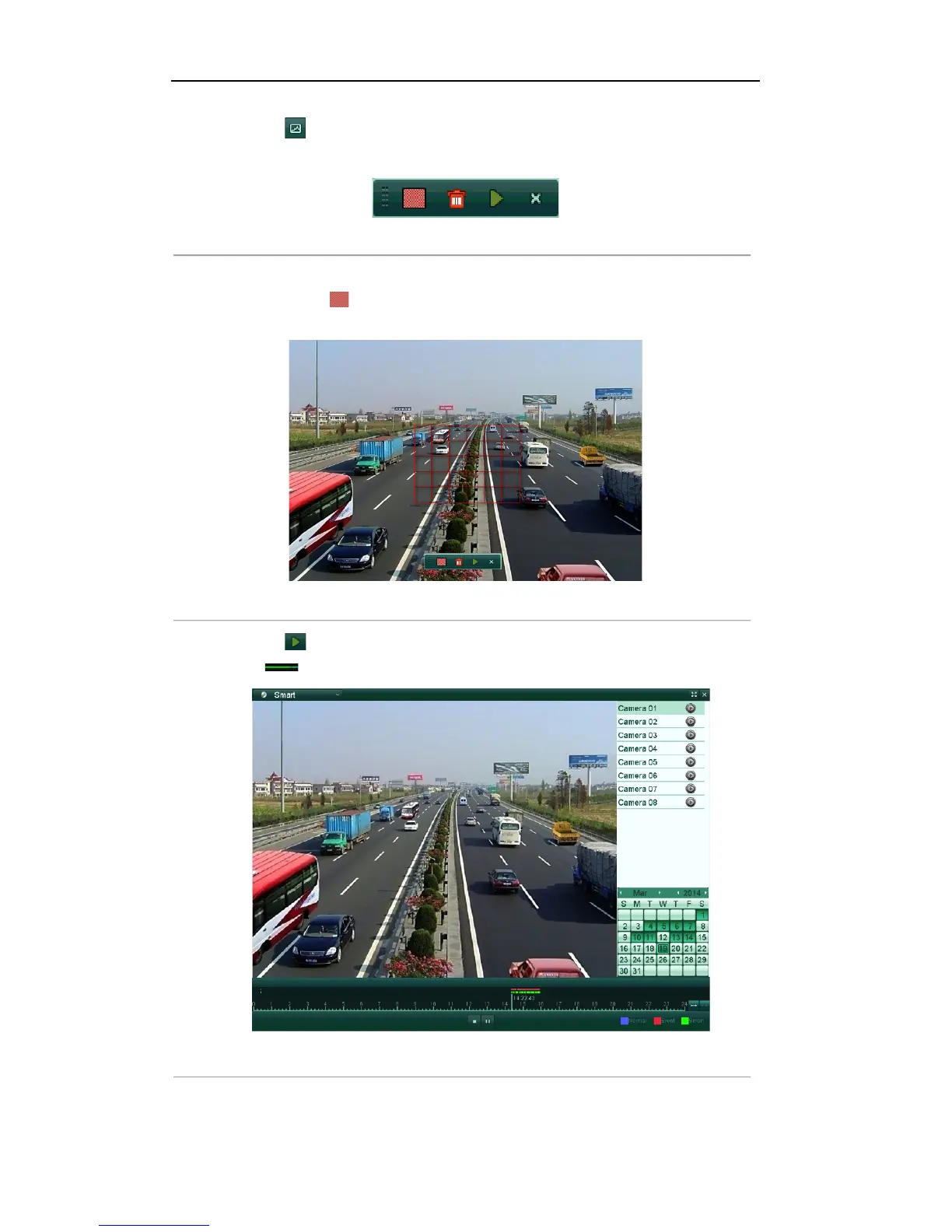
2. Click the icon on the playback control toolbar to enter Smart Search mode. The smart search
toolbar appears at the bottom of the screen.
Figure'6.22'Smart'Search'Toolbar'
3. Click-and-drag the mouse to draw area(s) for smart search.
You can click the icon to set the full screen as target searching area.
Note: Multi-area and full-screen searching modes are supported.
Figure'6.23'Draw'Area'of'Smart'Search
'
4. Click the icon to start the smart search, and the motion events occurred in the defined area will be
marked as on the time bar.
Figure'6.24'Smart'Search'Result'
'



 To Next Page