User Manual
77
5.2 Auxiliary Functions of Playback
5.2.1!Playing !Back!Fram e!by!Frame! !
Purpose:
Play video files frame by frame, in order to check image details of the video when abnormal events happen.
Steps:
• Using a Mouse:
Go to Playback interface. If you choose playback of the record file: click button and until the
speed changes to Single frame and one click on the playback screen represents playback of one frame. If
you choose adverse playback of the record file: click button and until the speed changes to
Single frame and one click on the playback screen represents adverse playback of one frame. It is also
feasible to use button in toolbar.
5.2.2!Sm art!Search!
Purpose:
In order to locate motion detection event easily and accurately in the playback progress bar, you are allowed
to analyze a certain area (scene) dynamically, and to get all of the related motion detection events that
occurred in this area.
Note: The playback by smart search is not supported for IP cameras.
Steps:
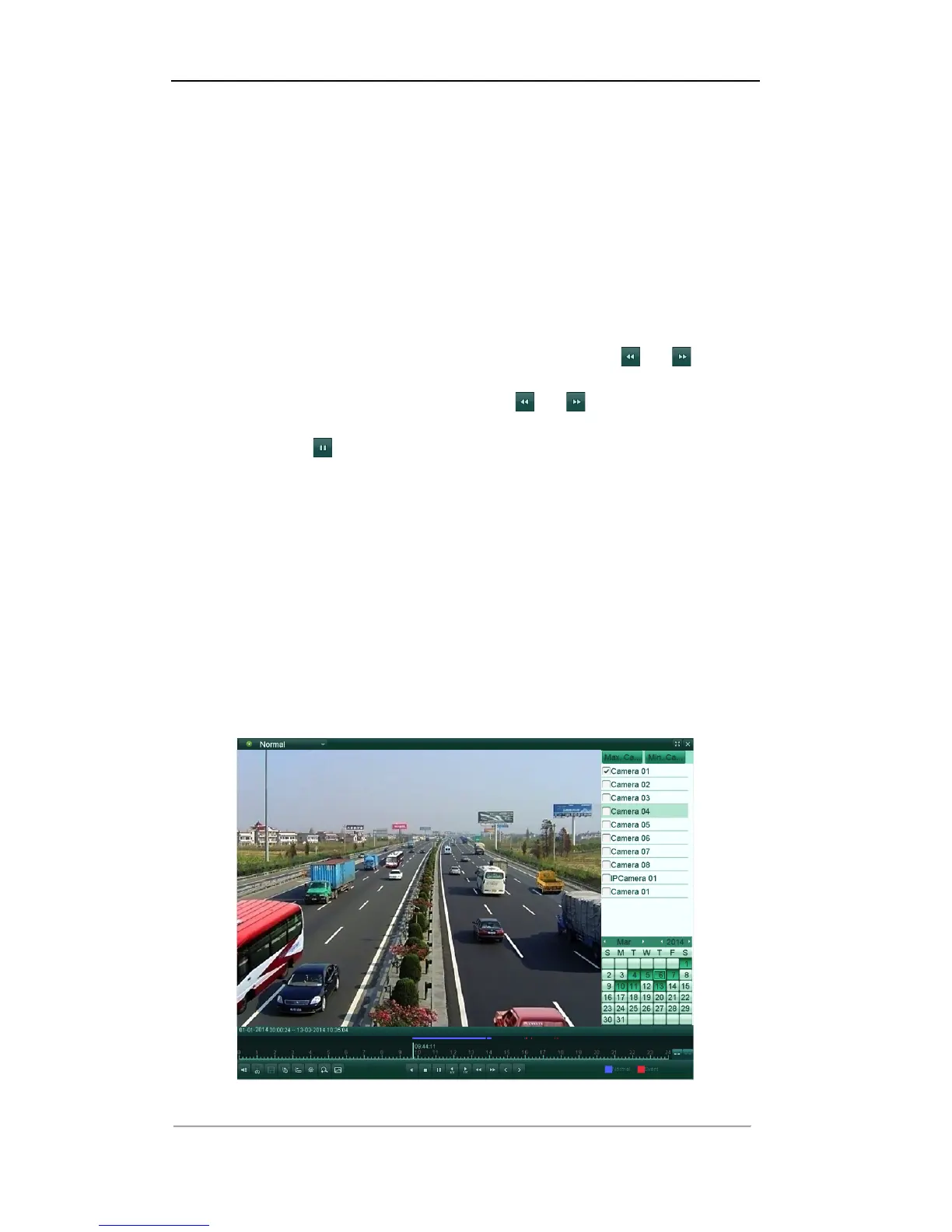
1. Enter the Normal Playback interface, and start the playback. For details, see Chapter 6.1.2.
Note: The smart search function is available for single-channel playback only.
Figure'6.21'Playback'Interface'
'



 To Next Page