User Manual
76
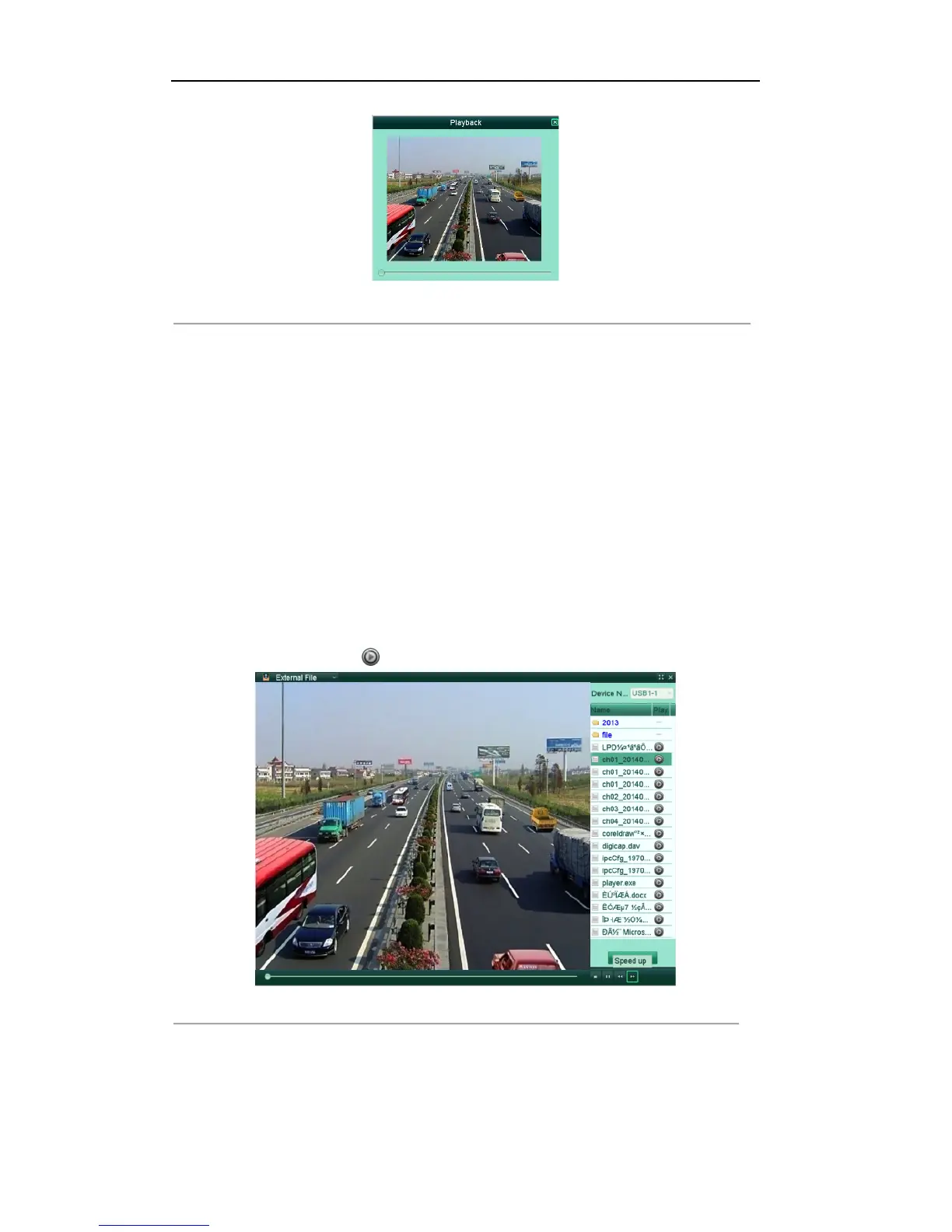
Figure'6.19'Interface'of'Playback'by'L og
'
5.1.7!Playing!Back!External!Files!
Purpose:
The record files stored in the external storage devices, e.g., USB flash drives, USB HDDs, can be searched
and played back.
Before you start:
Insert the external device(s) with available record files into the device.
Steps:
1. Enter the external file playback interface.
Menu >Playback>External File
The files stored in the extrenal device are listed in the right-side list.
You can click the Refresh button to refresh the file list.
2. Select a record file and click to play it.
Figure'6.20'Interface'of'External'File'Playback'



 To Next Page