User Manual
65
5.1 Playing Back Record Files
5.1.1!Playing !Ba ck !by !C ha nn e l! !
Purpose:
Play back the recorded video files of a specific channel in the live view mode. Channel switch is supported.
Instant playback by channel:
Steps:
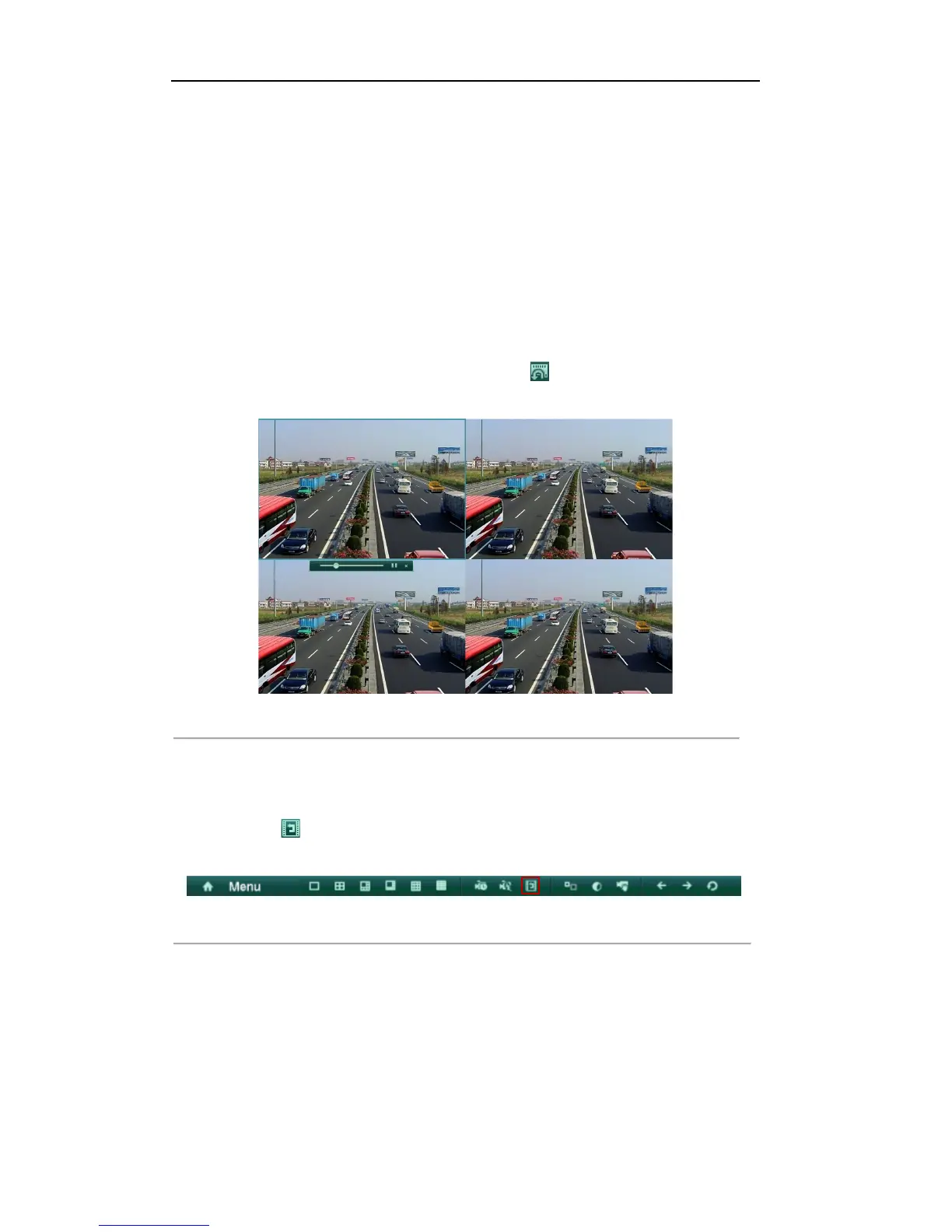
Choose a channel in live view mode using the mouse and click the button in the quick setting toolbar.
Note: Only record files recorded during the last five minutes on this channel will be played back.
Figure'6.1'Instant'Playback 'Inter face'
All-day Playback by channel
1. Enter the All-day Playback interface.
Right-click on the live view window and the live view toolbar appears at the bottom of the screen. Then
click the icon on the live view toolbar to enter the Playback interface.
Under multi-screen live view, record files of the selected channel will be played back.
Figure'6.2'Right[click'Menu'under'Live'View' '
Note: The Add IP Camera item is available for the HDVR only.
Note: Pressing numerical buttons will switch playback to the corresponding channels during playback
process.
2. Playback management.
The toolbar in the bottom part of Playback interface can be used to control playing progress, as shown in
Figure 6.3.



 To Next Page