User Manual
67
! About video type bar: represents normal recording (manual or schedule); represents event
recording; represents smart search recording.
5.1.2!Playing !Ba ck !by !Time!
Purpose:
Play back video files recorded in specified time duration. Multi-channel simultaneous playback and channel
switch are supported.
Steps:
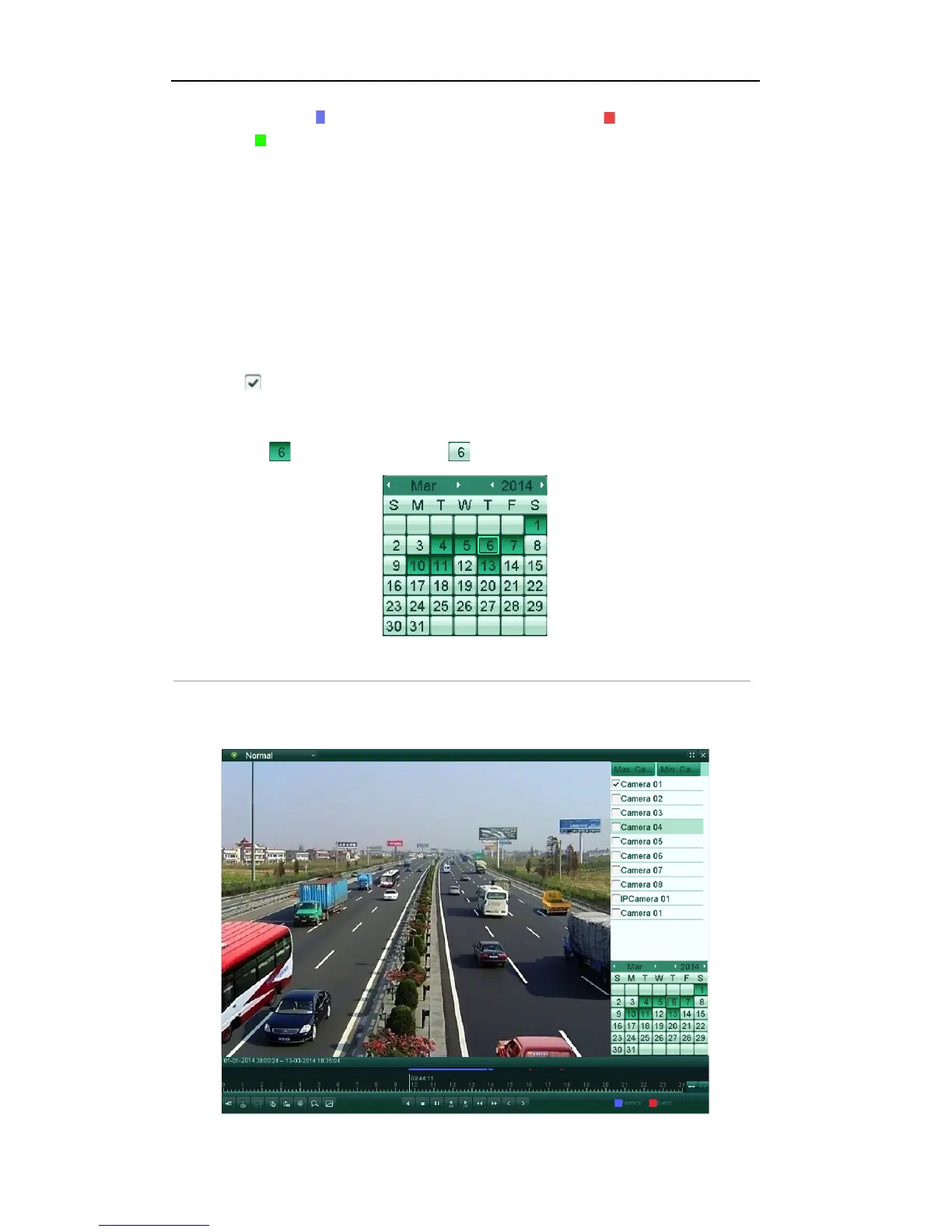
1. Enter the normal playback interface.
Menu>Playback>Normal
2. Check checkbox of channel(s) in the channel list.
3. Double-click to select a date on the calendar to play back the record file.
Note: If there are record files for that camera in that day, in the calendar, the icon for that day is
displayed as . Otherwise it is displayed as .
Figure'6.5'Playback'Calendar'
In the Playback interface:
The toolbar in the bottom part of Playback interface can be used to control playing process.



 To Next Page