User Manual
84
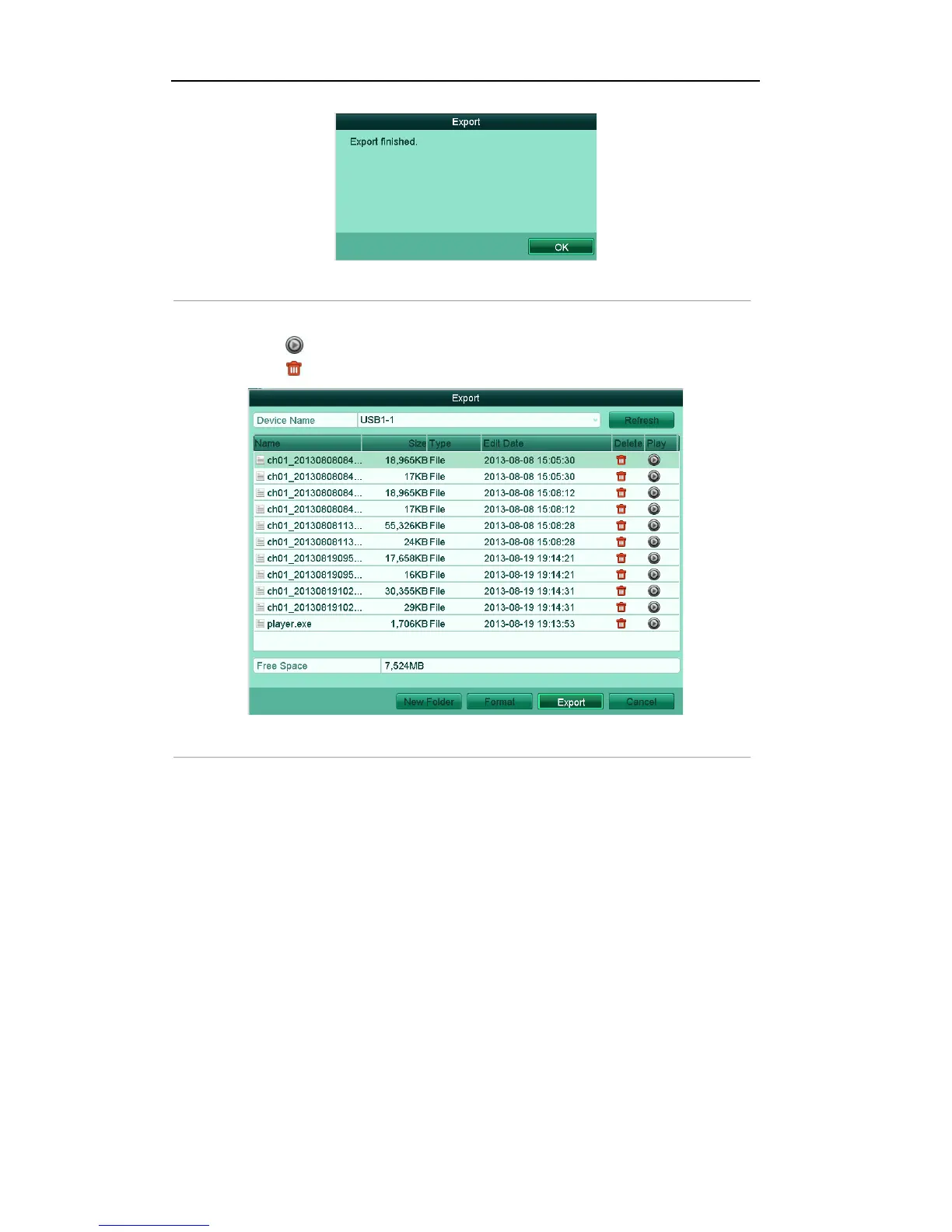
Figure'7.5'Export'Finished'
7. The exported video files will be displayed on a list.
Click the icon , and you can play the selected video file.
Click the icon , and you can delete the selected video file from the backup device.
Figure'7.6'Normal'Export'Result'using'USB'Flash'Drive'
6.1.2!Backing!up!by!Event!Search!
Purpose:
Back up event-related record files using USB devices (USB flash drives, USB HDDs, USB writer), SATA
writer or eSATA HDD. Quick Backup and Normal Backup are supported.
Steps:
1. Enter Export interface.
Menu>Export>Event
2. Select Motion as the event type.
Note: The following steps have introduced the backup by motion detection triggered record files.
Perform the same operation for the backup by alarm triggered record files.
3. Set the start time and end time of the record files.
4. Select the camera (s) for searching.



 To Next Page