User Manual
85
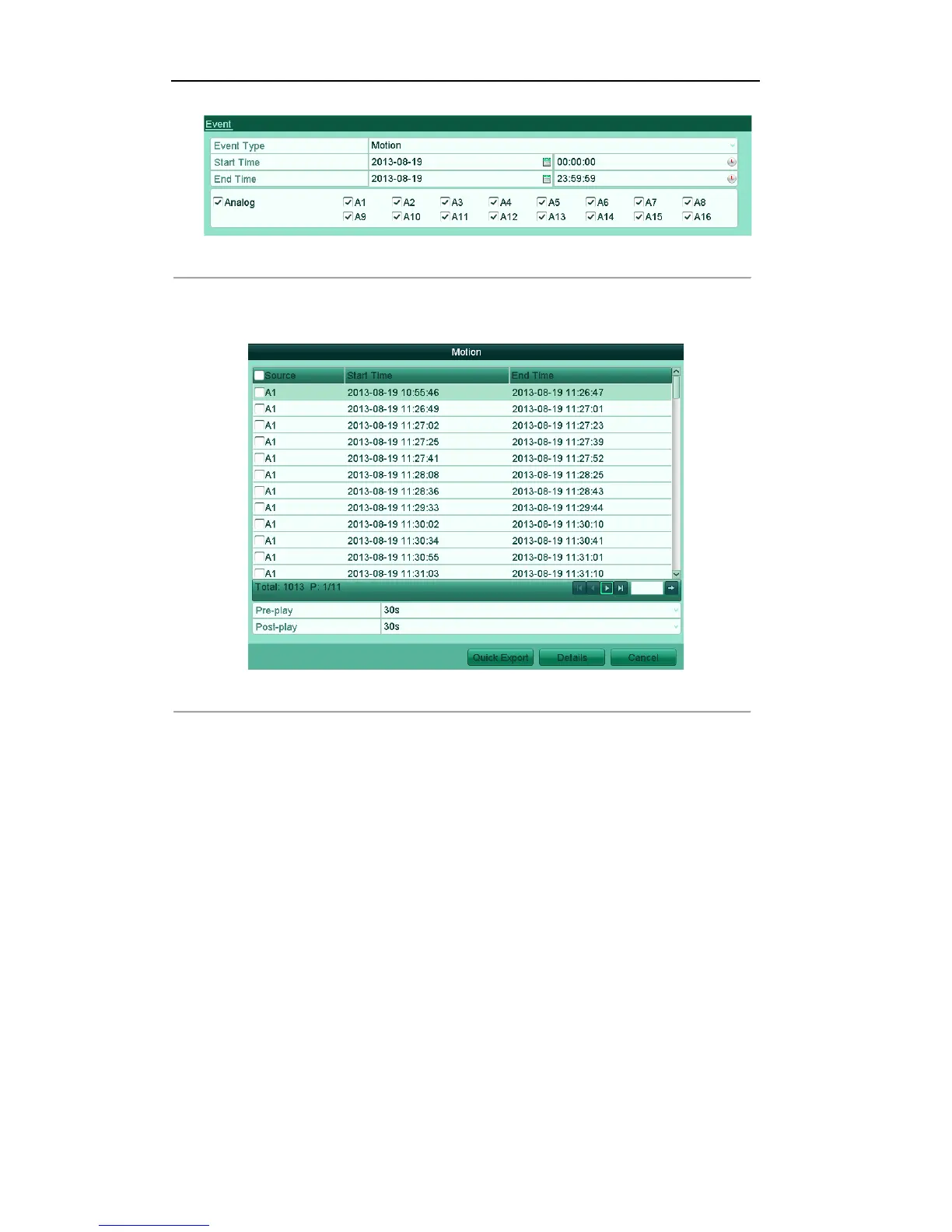
Figure'7.7'Event'Search'for'Backup
Note: The IP cameras are available for the HDVR series.
5. Click Search button to enter the Search Result interface.
Figure'7.8'Result'of'Event'Search'
6. Select record files to export. You can use the following two ways to enter the Export interface.
! Select motion detection event (s) from the list and click Quick Export button to enter the Export
interface, as shown in Figure 7.8.
! (1) Click the Details button to enter the interface with detailed information of the record file, e.g.,
start time, end time, file size, etc.
Note: The size of the currently selected files is displayed in the lower-left corner of the window.



 To Next Page