User Manual
86
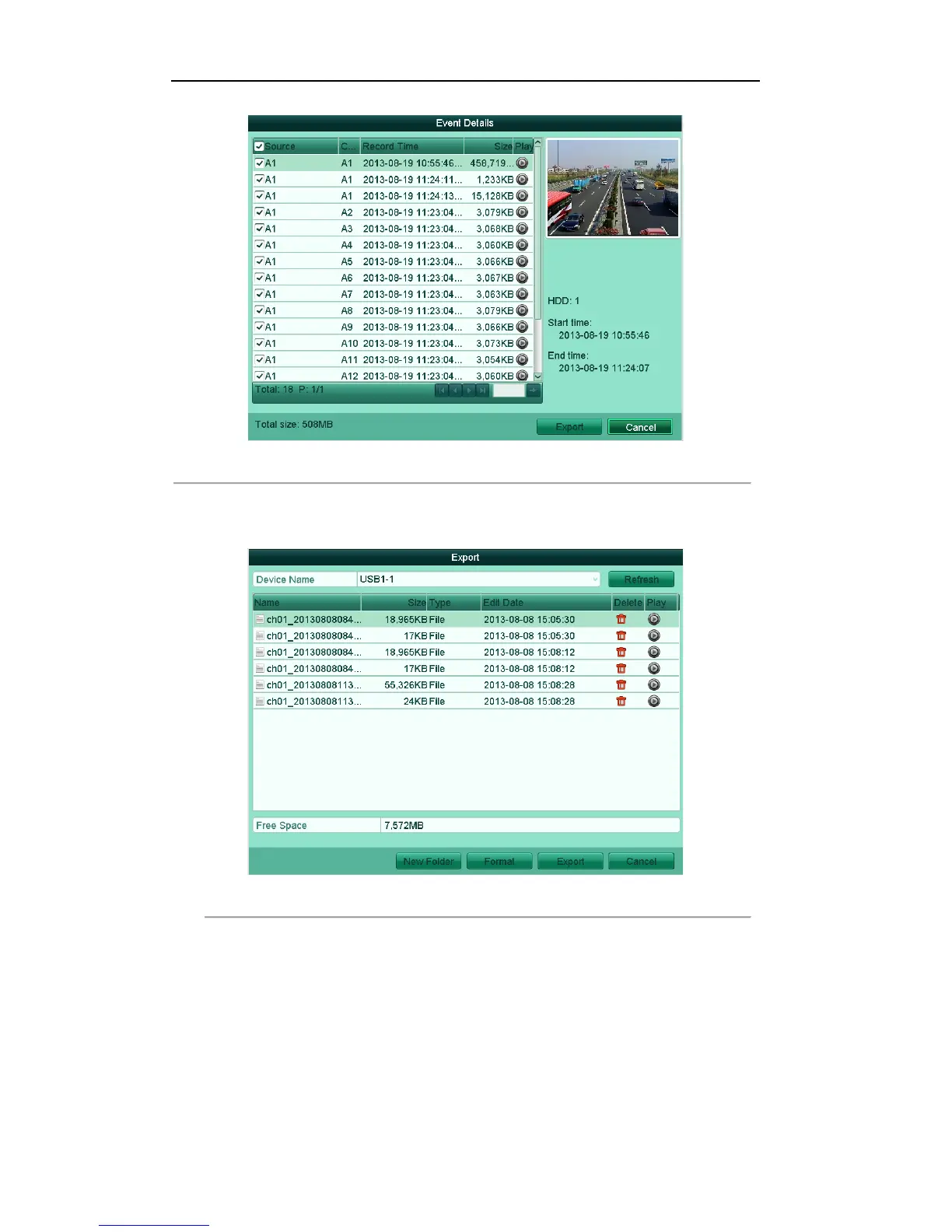
Figure'7.9'Event'Details'Interface
'
(2) Select record file (s) from the list and click Export button to enter the Export interface, as
shown in Figure 7.10.
Figure'7.10'Normal'Export'Interface'using'USB'Flash'Drive
'
2. Select the backup device from the drop-down list, click the button Export. On the pop-up message box,
select to export the video files or the player to the backup device. Click OK to confirm.



 To Next Page