User Manual
87
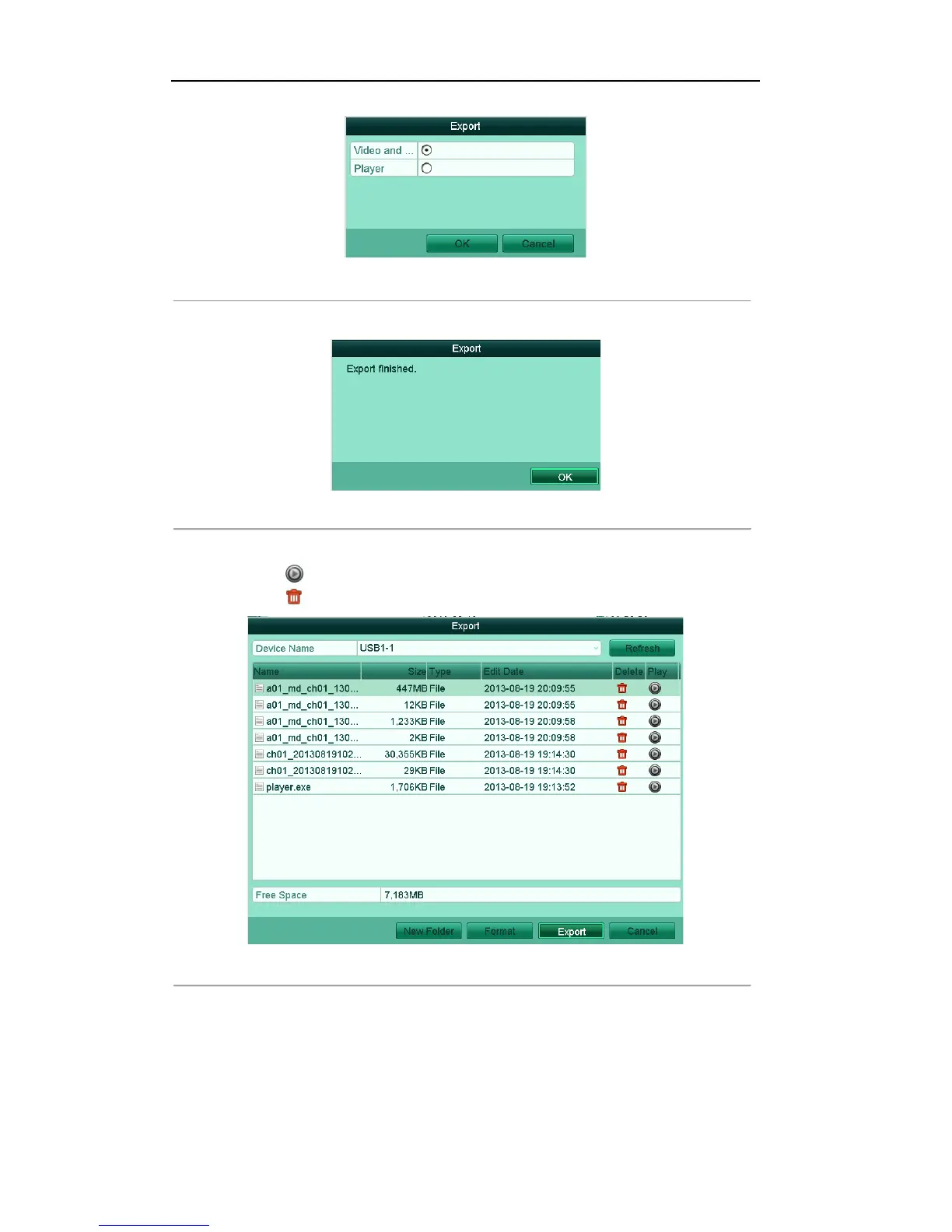
Figure'7.11'Export'Selection'
'
A prompt message box will pop up after the backup process is complete. Click OK to confirm.
Figure'7.12'Export'Finished
'
3. The exported video files will be displayed on a list.
Click the icon , and you can play the selected video file.
Click the icon , and you can delete the selected video file from the backup device.
Figure'7.13'Event'Export'Result'using'USB'Flash'Drive'
'
6.1.3!Backing!up!Video!Clips!
Purpose:
You may also select video clips to export directly during Playback, using USB devices (USB flash drives,



 To Next Page