User Manual
46
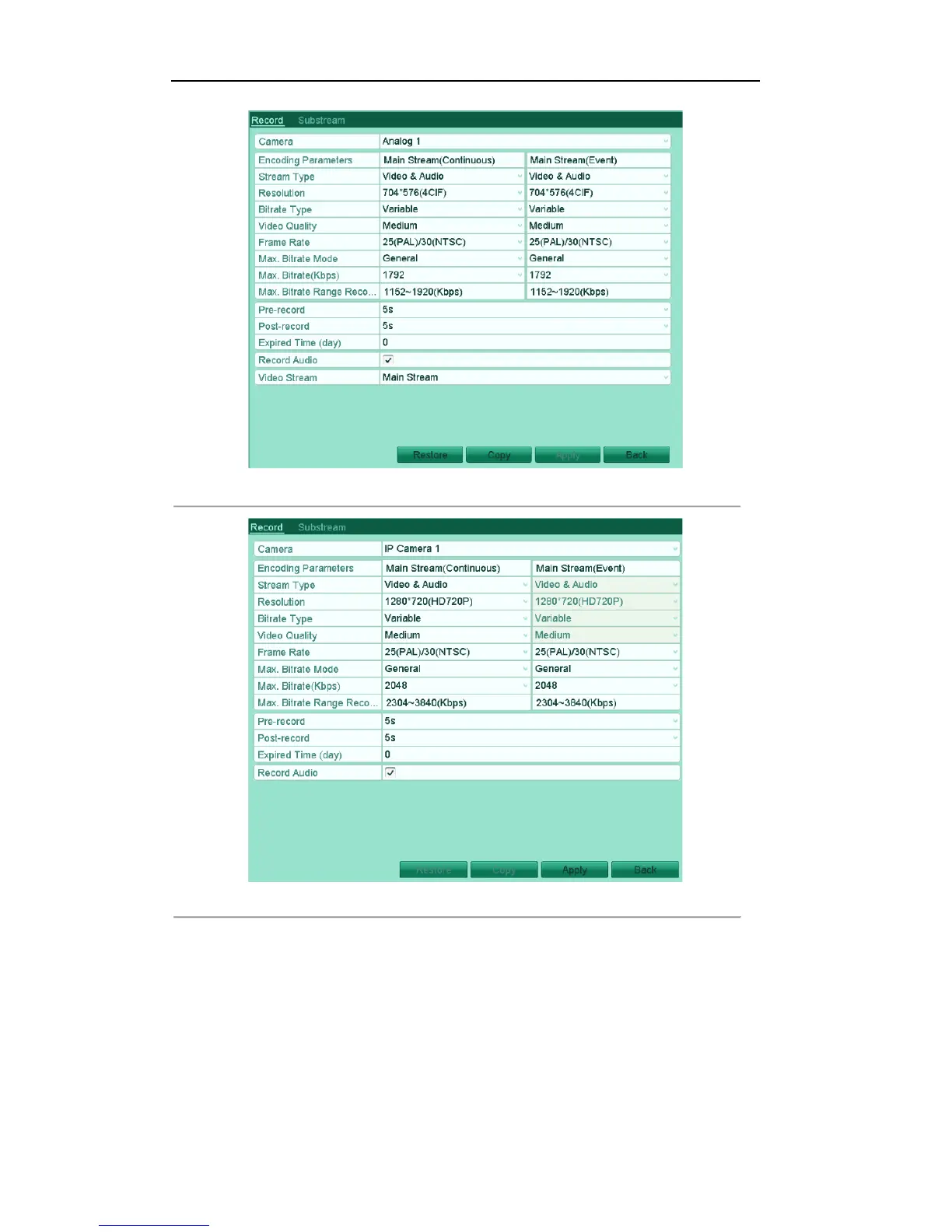
Figure'5.3(1)'Encoding'Parameters[Main'Stream'(Analog'Camera)'
Figure'5.4'(2)'Encoding'Parameters[Main'Stream'(IP'Camera)' '
2. Set encoding parameters for main stream
1) Select Record to enter the main stream settings interface.
2) Select the camera for configuration.
3) Configure the following parameters for the Main Stream (Continuous) and the Main Stream
(Event):
Stream Type: Set the stream type to be Video or Video & Audio.
Resolution: Set recording at resolution of WD1, 4CIF, 2CIF, CIF or QCIF.
Bitrate Type: Set the bitrate type to be Variable or Constant.



 To Next Page