User Manual
15
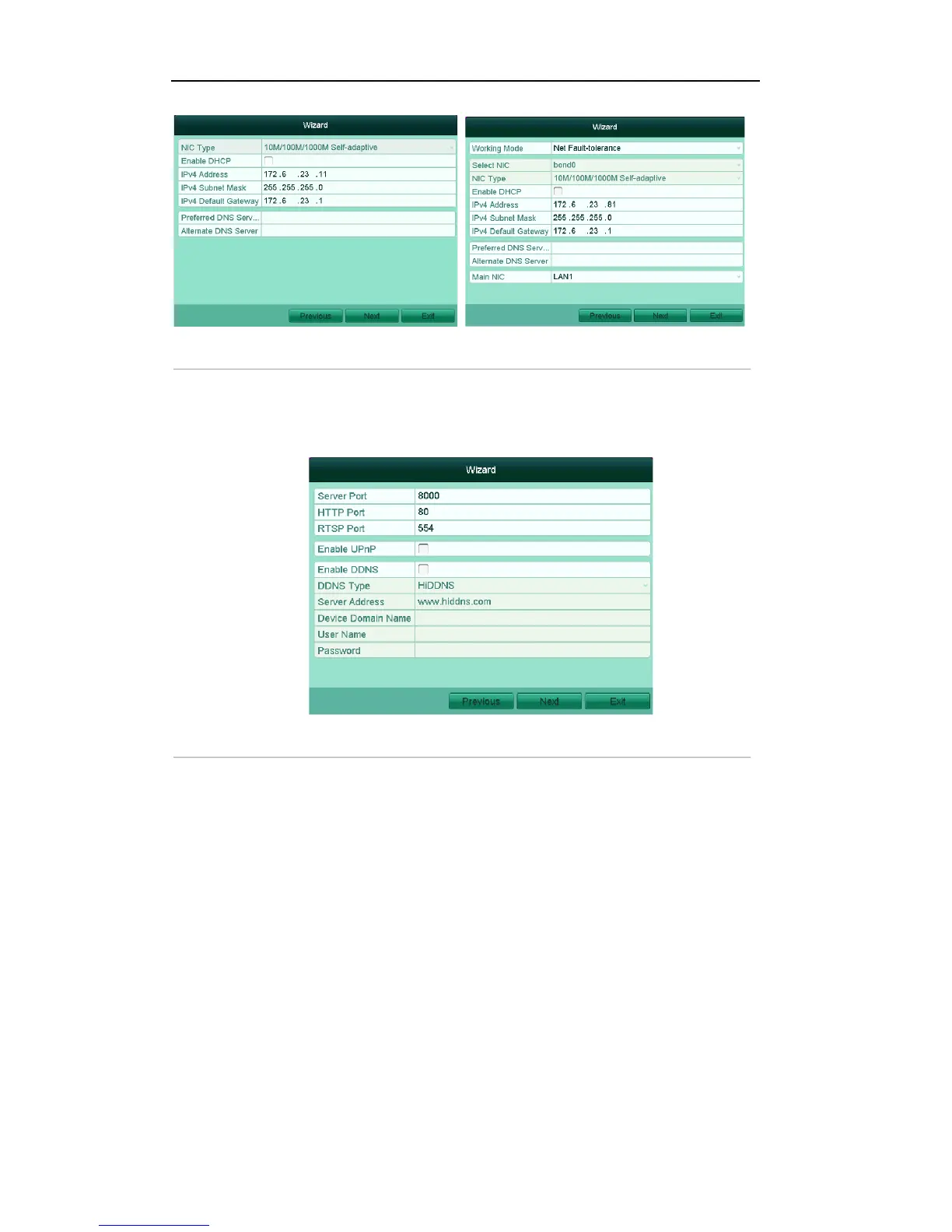
Figure'2.5'Network'Configuration' '''''
6. Click Next button to enter the advanced network settings window.
7. Configure the advanced network parameters, including the server port, HTTP port, RTSP port, UPnP
and DDNS settings.
Figure'2.6'Advanced'Network'Configuration''''''
8. Click Next button to enter the HDD Management window, shown in Figure 2.7.
To initialize the HDD, click the Init button. Initialization removes all the data saved in the HDD.



 To Next Page