User Manual
89
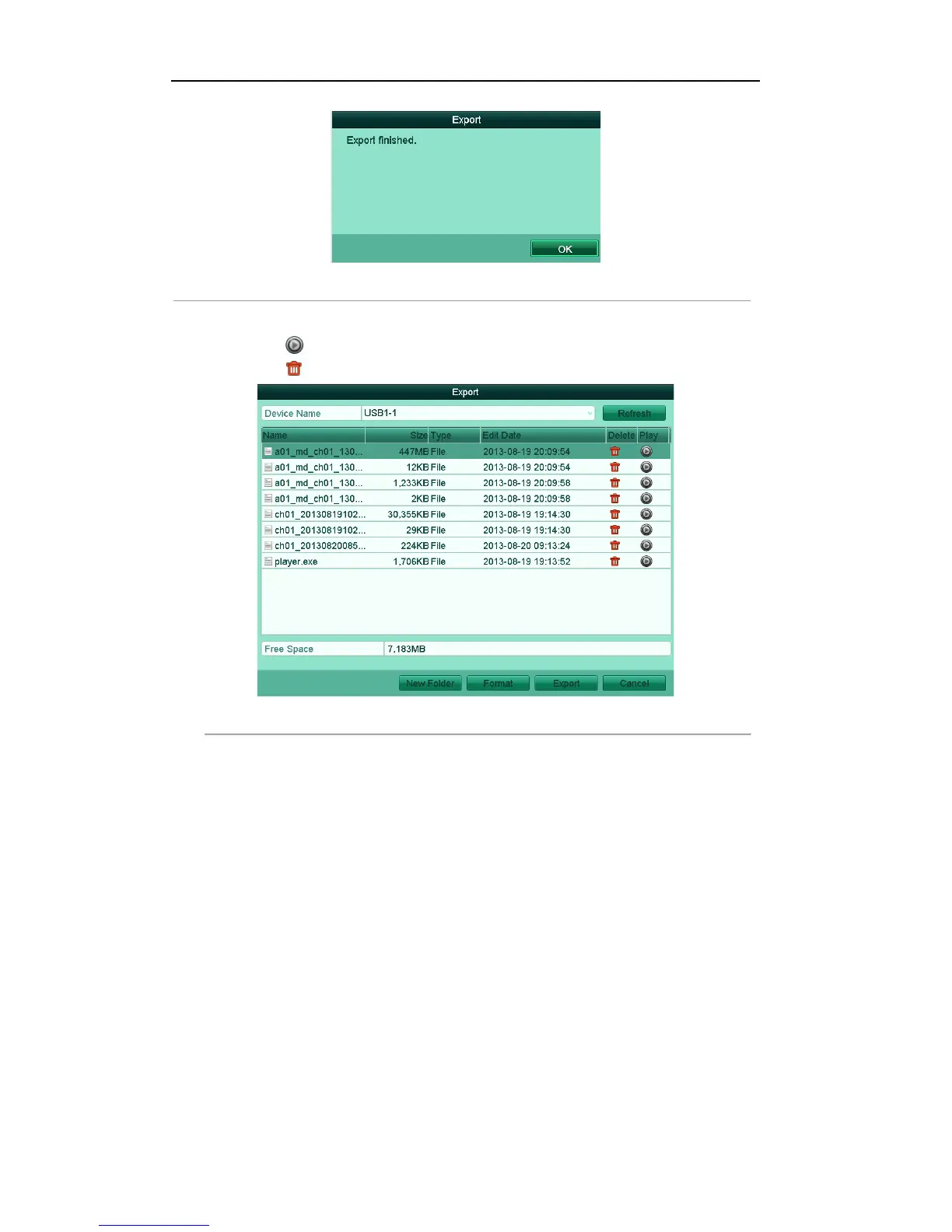
Figure'7.16'Export'Finished
'
5. The exported video files will be displayed on a list.
Click the icon , and you can play the selected video file.
Click the icon , and you can delete the selected video file from the backup device.
Figure'7.17'Video'Clip'Export'Result'using'USB'Flash'Drive'



 To Next Page