User Manual
31
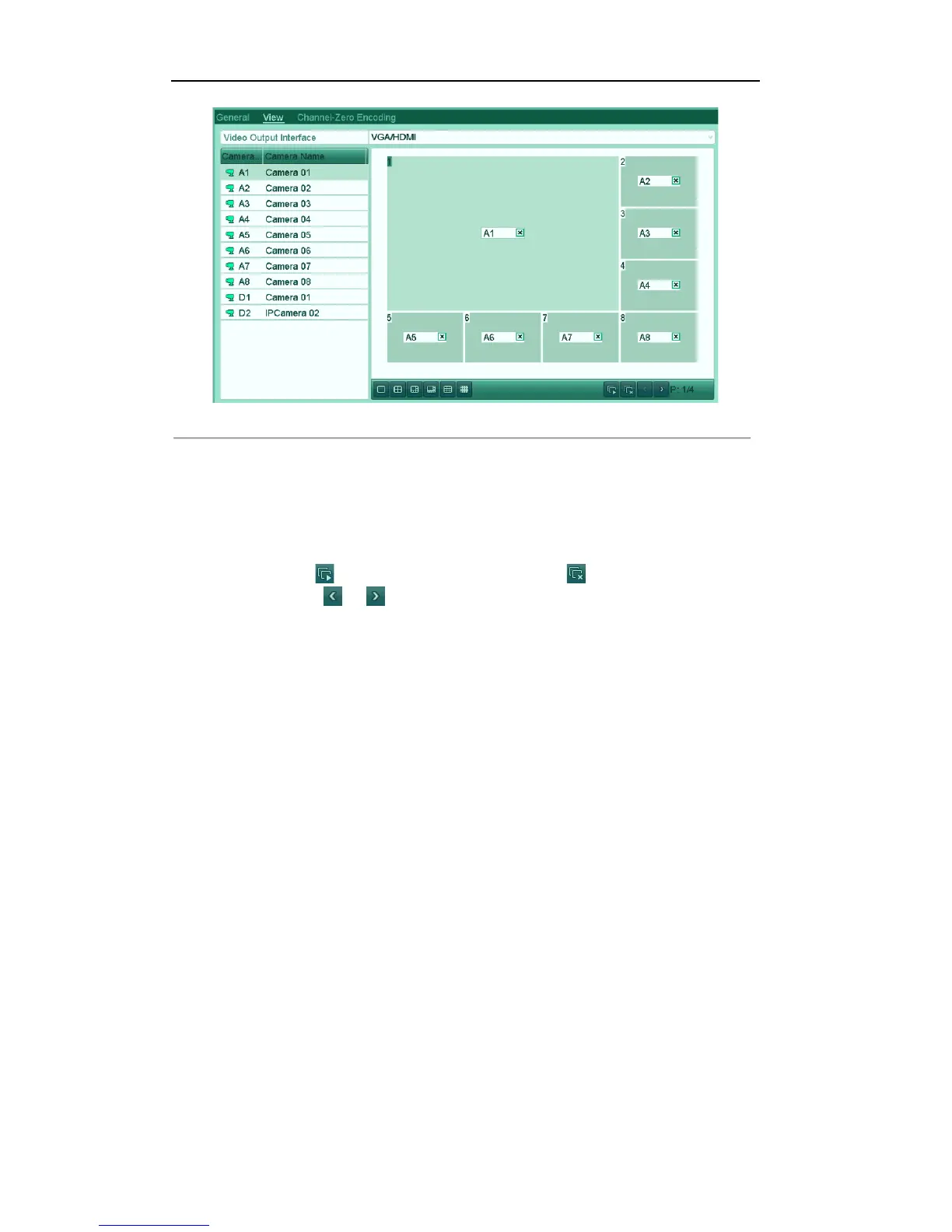
Figure'3.8'Live'View['Camera'Order'
To set the camera order:
1) Click the View tab to enter the camera order settings interface.
2) Select an output interface and select a screen layout.
3) Click to select a screen in the right region and double-click to select a channel in the left region.
Thus the selected channel will be displayed in the corresponding screen.
4) You can click to start live view of all channels and click to stop live view of all
channels. Click or to go to the previous or next page.
5) Click the Apply button to save the setting.



 To Next Page