User Manual
33
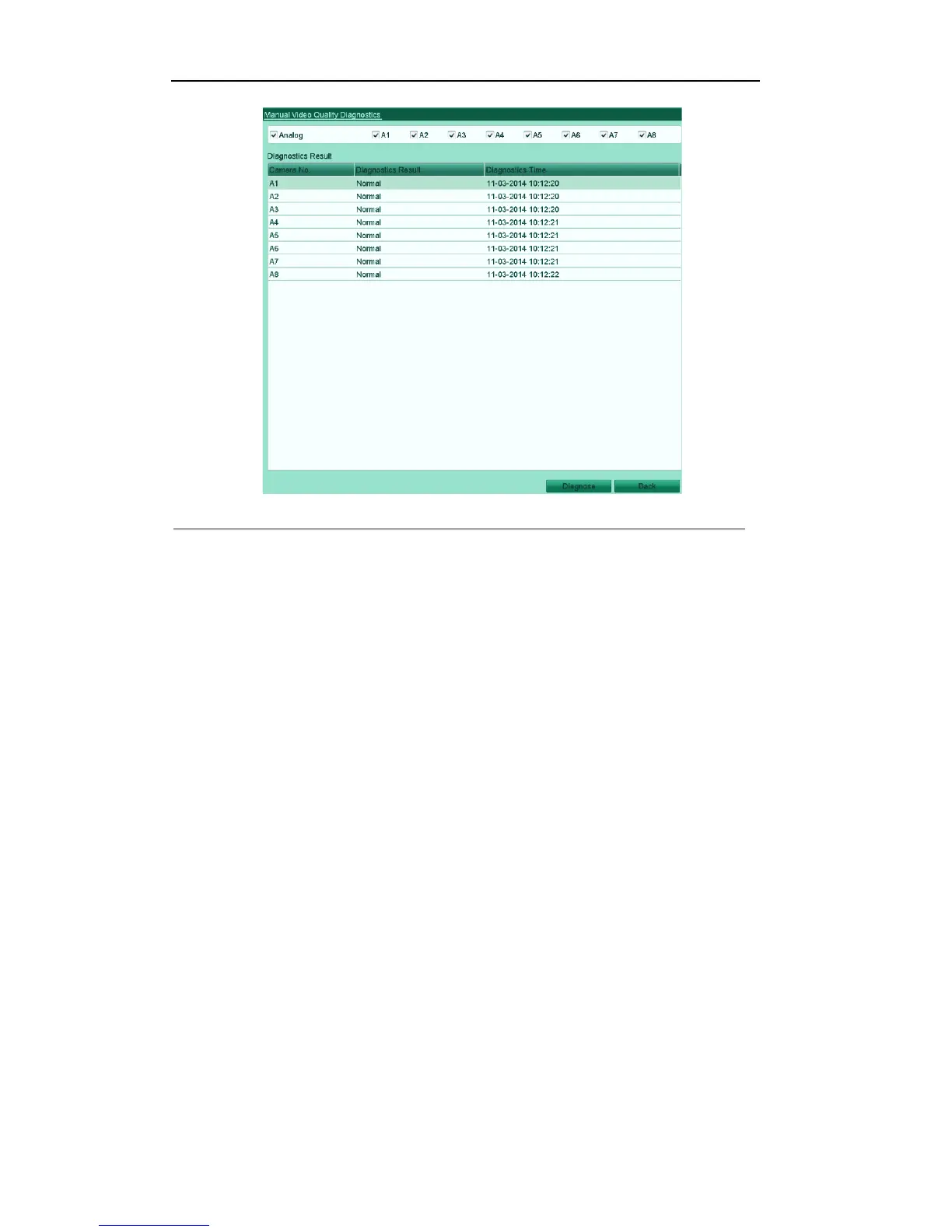
Figure'3.10'Video'Quality'Diagnostics'
Notes:
! Connect the analog signal to the device for the video quality diagnostics.
! Three exception types can be diagnosed: Blurred Image, Abnormal Brightness and Color Cast.
! You can enter Menu> Configuration> Video Quality Diagnostics to adjust the value of the Blurred
Image, Abnormal Brightness and Color Cast.



 To Next Page