Using Config I/Os
If you wish to use Config I/Os as inputs or outputs, you
first need to configure them as a ‘Timer input’ or ‘Timer
output’ under ‘Menu / Information
è
Settings
è
Config I/Os
è
...’.
12.4.2.1 Reprogram program line (
‘new’
)
CAUTION!
If the
‘Timer status’
is set to
‘active’
, the pump can nei‐
ther be set nor programmed!
To do so, set the
‘Timer status’
under
‘Activation’
to
‘inactive’
.
12.4.2.1.1 Principle design of a program line
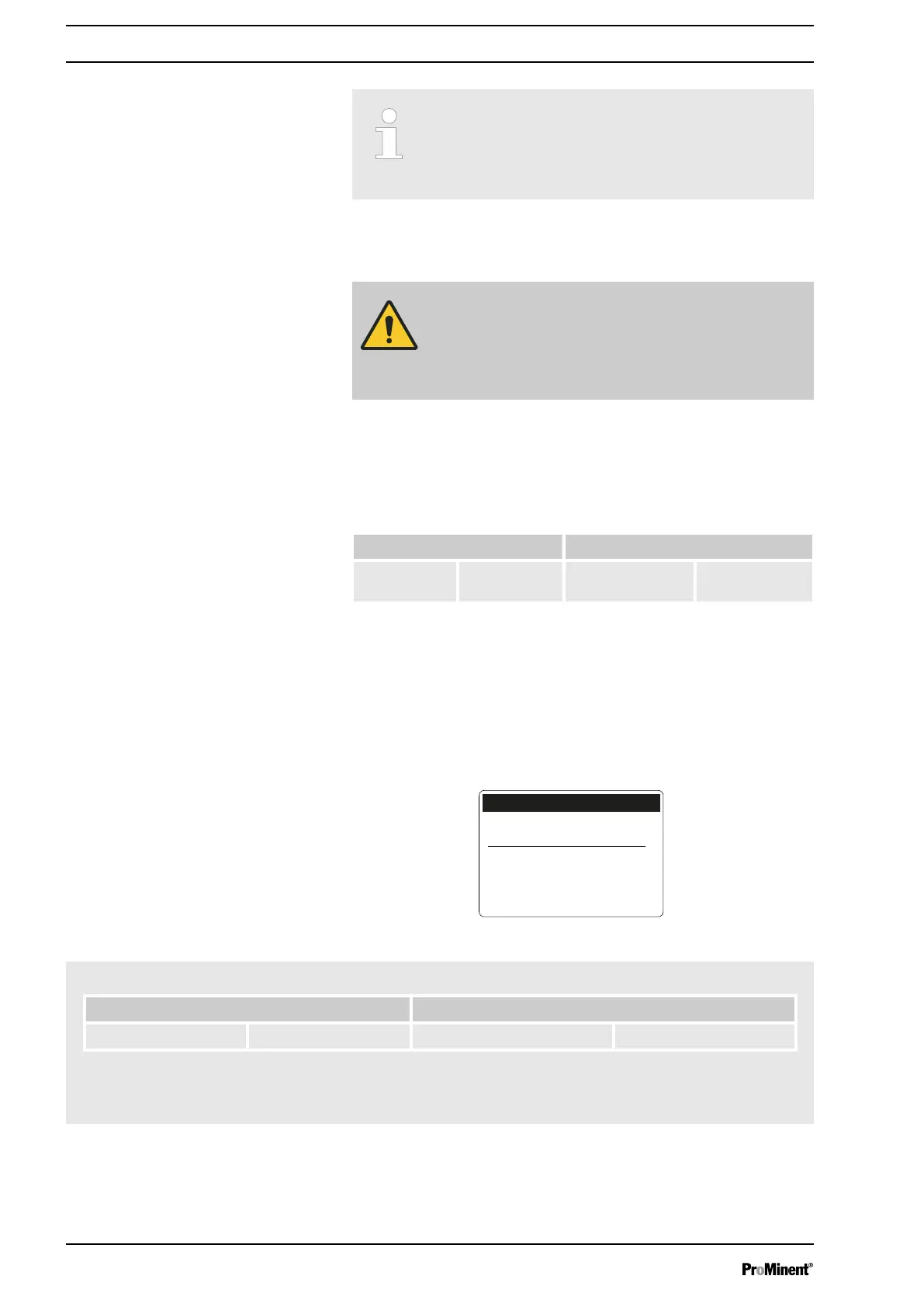
In principle, an (imaginary) program line / instruction is set up as follows:
Time event (trigger) Action
workdays 1
(Mo-Fr)
Time of day
12:00
Manual 20.00 l/h
This corresponds to the following instruction:
WHEN triggering event, THEN action
The time event (trigger) defines what action or at what time an action is to
take place.
The action defines which type of action is to take place.
The finished program line/ instruction looks like this:
12:00
Manual
20.00 l/h
workdays 1 (Mo-Fr)
Instruction 03/05
B1106
Time event (trigger) Action
workdays 1 (Mo-Fr) Time of day 12:00 Manual 20.00 l/h
The example means:
When it is 12:00 on a workday, then the pump is to work in
‘Manual’
mode at 20.00 l/h.
Example
Set up /
‘Menu’
62







 To Next Page