AHD DVR User Manual
9
3.1.2PowerOff
Youcanpoweroffthedevicebyusingremotecontroller,keyboardormouse.
① GotoMainMenuandthenselect“ShutDown”icontopopuptheShutdownwindow.
② ClickOK.Thentheunitwillpoweroffafterawhile.
③ Disconnectthepower.
3.2 Login
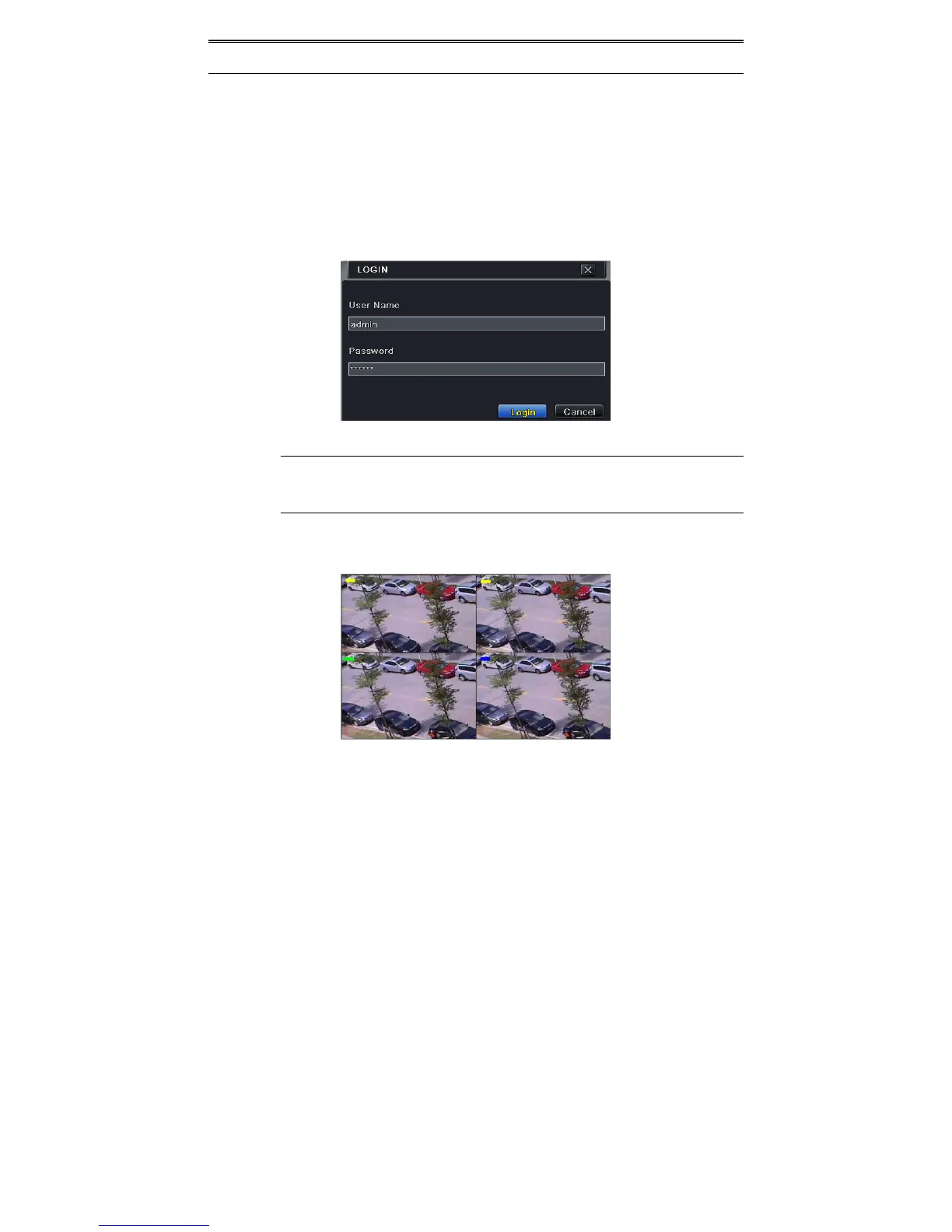
UsercanloginorlogofftheDVRsystem.Onceloggedofftheusercannotdoanyotheroperation
exceptchangingthemulti‐screendisplay.
Fig3‐1Login
Notice:Thedefaultusernameisadminandthedefaultpasswordis123456.
Forcompleteoperationalstepsforchangingpassword,addingordeletingusers,please
refertosection4.7UserManagementConfiguration.
3.3 LivePreview
Fig3‐2LivePreviewInterf ac e



 To Next Page