AHD DVR User Manual
56
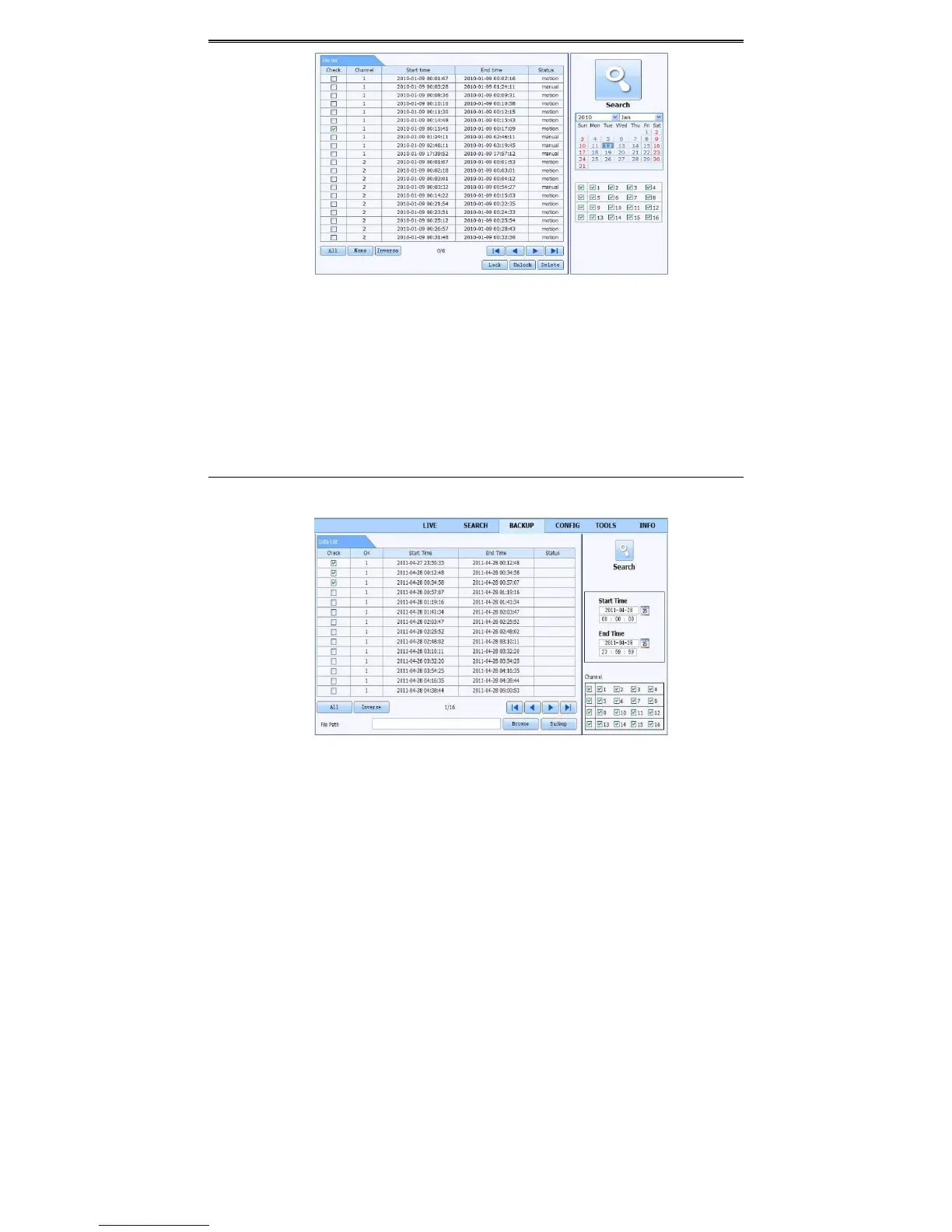
Fig7‐7FileManagementInt erface
② Selecthighlighteddateandchannels.
③ Click“Search”buttontosearchtherecordedfiles.
Lock:Selectcertainfileiteminthefilelistboxandthenclick“Lock”buttontolockthisfilethat
canotbedeletedoroverlaid.
Unlock:Selectalockedfileandthenclick
“Unlock”buttontounlockthisfile.
Delete:Selectanunlockfileandthenclick“Delete”buttontodeletethisfilefromfilelist.
8.5.2RemoteBackup
Click“Backup”buttontogotobackupinterface.PleaserefertoFig7‐8.
Fig7‐8RemoteBackupInterface
① Selectchannels,setthestartandendtimeandthenclick“Search”buttontodisplaythe
fileinformationinthefilelistbox.



 To Next Page