AHD DVR User Manual
20
5.3.3Time
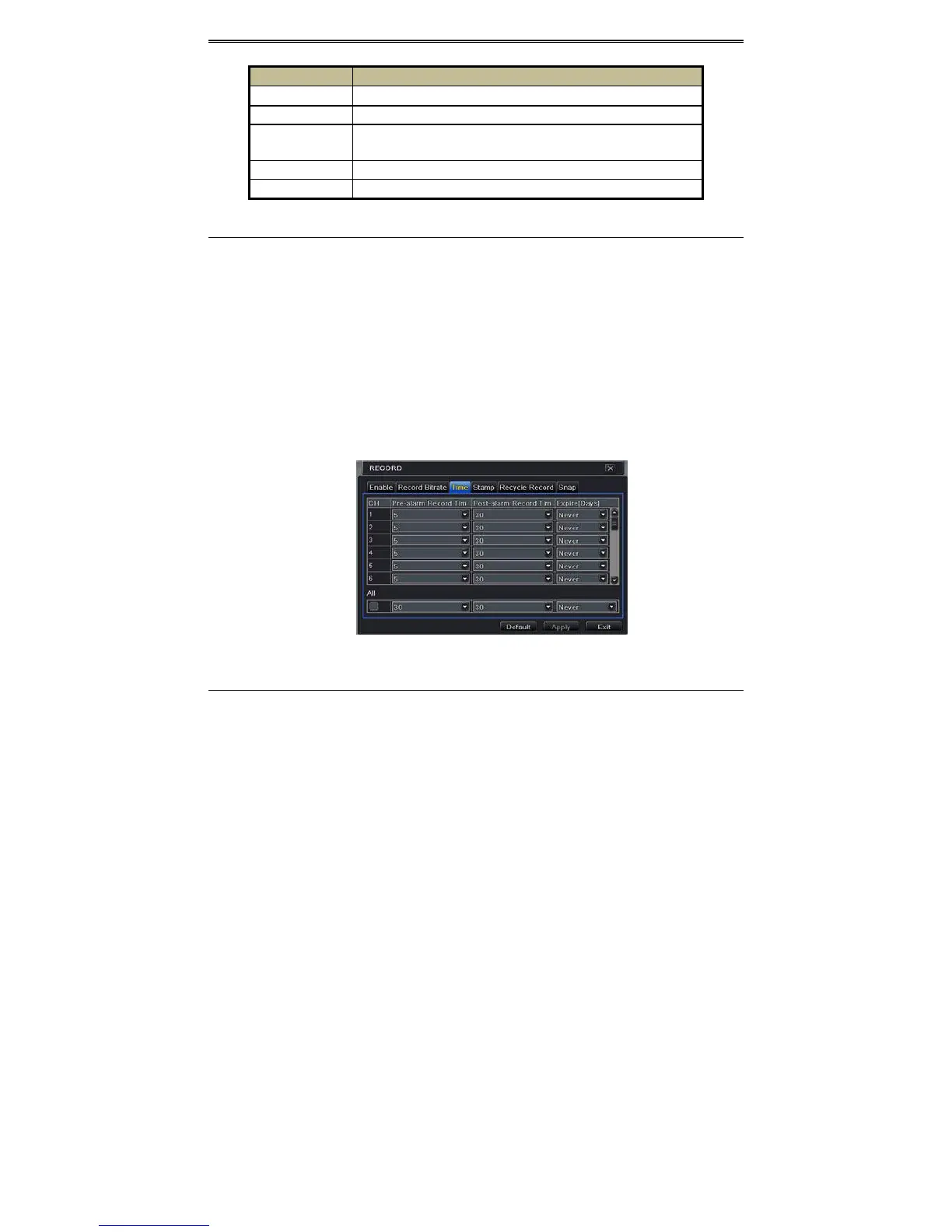
① GotoMainMenuSetupRecordTimeinterfacetosetrecordingtime.RefertoFig4‐
13.
② SetPre‐alarmrecordtimeandpost‐alarmrecordtime.Select“All”tosetthesamesettings
forallchannels.
Pre‐alarmRecordTime:Setthetimeinsecondstopre‐record
beforetheactualrecording
begins.
Post‐alarmRecordTime:Setthetimeinsecondstopost‐recordaftertheactualrecording
hasfinished,fiveoptions:10s,15s,20s,30s,60s,120s,180sand300s.
ExpireTime:Settheexpirationtimeforrecordedvideo.Ifthesetdateisoverdue,the
recordedfileswillbedeletedautomatically.
③ Click“Apply”tosavethesetting.
Fig4‐13RecordConfigura tion ‐Time
5.3.4Stamp
ThisprovidesanoptiontoenableordisabletheCameraNameandtheTimestamponthevideo.
Theusercanalsochooseapositionforthestamponthescreen.
Tosetupstampasfollows:
① GotoMainMenuSetupRecordStampinterface.RefertoFig4‐14.
Parameter Meaning
Rate
720P:1‐15(NTSC)/1‐12(PAL);960H:1‐30(NTSC)/1‐25(PAL).
Resolution Thisseriessupports720P,960H.
Quality
The higher the value is, the clearer the recorded image is. Six options:
lowest,lower,low,medium,higherandhighest.
Encode VBRandCBR.
Maxbitstream Youshalladjustitsubjecttotheactualnetworkcondition.



 To Next Page