AHD DVR User Manual
25
andtime(dayornight),youcanadjustitsvalueaccordingtothepracticalconditions.Left
clickthegridanddragtodeletearea.Clickicontosetthewholeareaasdetection
area.Clickicontoclearthesetdetectionarea.Clickicontotestthesensitivity
asperthelocalconditions.Oncemotionissensed,itdisplaysafigureicon.Click
icon,tosavethesetting.Clickicontoexitthecurrentinterface.
Note:Priortosettingmotiondetectionfielditisrecommendedthatyouclick icon
tocleartheexistingfieldandsetafresh.
⑧ Select“All”tosetthesamesettingsforallchannels.
⑨ Click“Apply”buttontosavethesetting.
⑩ GotoScheduletab.Thesettingstepsforscheduleformotionbasedalarmaresimilarto
normalschedulesetup(seeChapter4.4.1formoredetails).
5.5.2VideoLoss
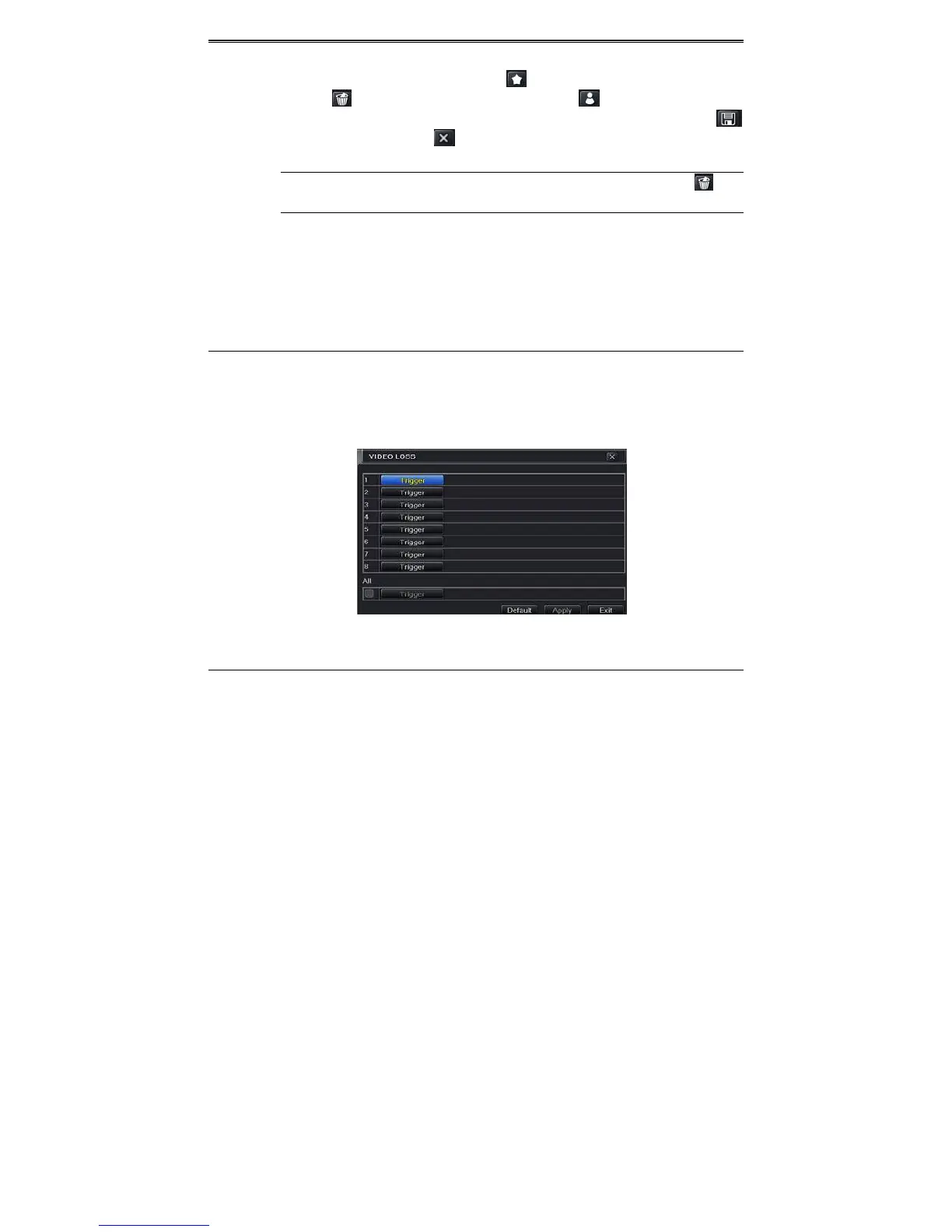
ThisDVRcanbesetuptodetectvideoloss.Thesettingstepsareasfollows:
① GotoMainMenuSetupAlarmVideoLoss.RefertoFig4‐20.
② Thesetupstepsofvideolosstriggeraresimilartomotiontriggersetting.(SeeChapter
4.5.1MotionTriggersettingformoredetails).
Fig4‐20AlarmConfiguration‐VideoLoss
5.5.3OtherAlarm
ThistabgivesachoicetoconfigurealarmforDiskFull,IPConflict,theDisconnectevent,Disk
AttenuationorDiskLost.
① GotoMainMenuSetupAlarmOtherAlarm.RefertoFig4‐21.
② Usethedropdownmenuandselecttheeventorthealarm.
③ Checktherequiredtriggeroptions.
④ Iftheselectedeventis“DiskFull”,thenusethedropdownboxfor“DiskShortageAlarm”
tochooseathresholdvalueforremainingHDDspace.Ifthethresholdvalueisreached,



 To Next Page