AHD DVR User Manual
31
Fig4‐28NetworkConfigura tion‐OtherSet t ings
EnableUPnP:SelectUPnPhereandthenenableUPnPfunctioninyourrouter.Therefore,there
isnoneedforyoutoforwardLANIPaddressandportintherouterinconnectionofinternet.
Afterthat,youcanchecktheWANIPaddressintherouter.
Note:ThedomainnameselectedbyuserisabandingdomainnameofDVR.Usershould
logonthewebsiteprovidedbytheserversuppliertoregisterausernameandpassword
and then apply for a domain name online. After the successful application, user can
accessthedevicefromtheIEclientbyinputtingthatdomainname.
1. DomainnameRegistration (http://provision‐isr‐dns.com)
Note:DDNSisusedtoregisterforahostnamewithDDNSusernameandpassword.
ProvisionISRnowallowsyoutouseourmintDDNSserverinordertocreatea
virtualaddressforyourDVRontheinternet.Eachaccountcancreateupto35
differentaddressesusingyourpreferreddomain
nameaddressinsteadofusing
IP addresses. Follow the steps below to register your DVR's name and to
configureyourDVRtouseProvisionISR'sMintDDNSserver.
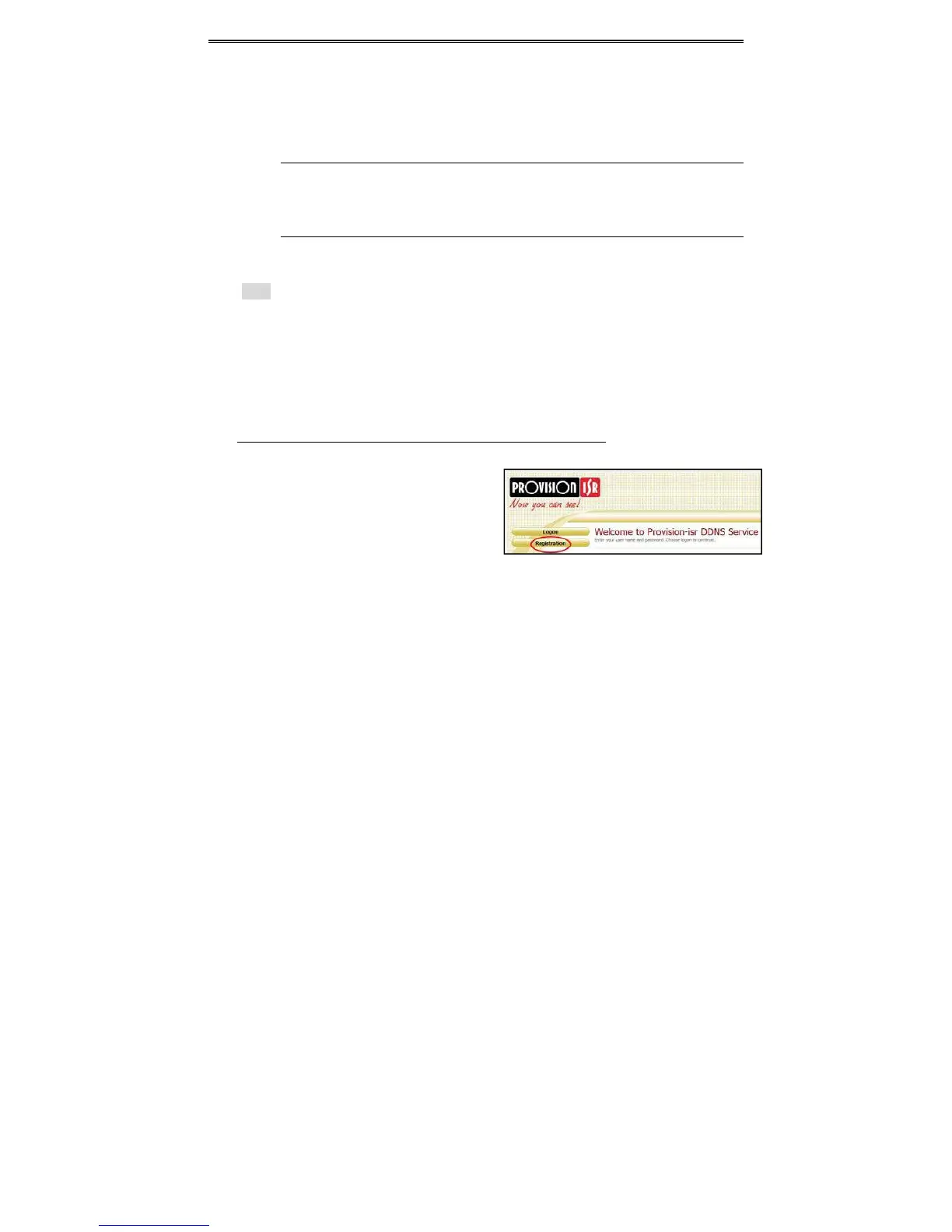
(a) ToregisteradomainwithProvision‐ISRDDNSserverfollowthesesteps:
1) Visitourwebsite:http://provision‐isr‐
dns.comandregisterforadomainname
byclicking"Registration"



 To Next Page