102
11.5 Updating the PMBV Firmware
When a new PMBV rmware becomes available the user is informed via QBase.
1. Start QBase.
2. Select Updates and select Search Updates.
3. Select Download to start downloading the Firmware.
4. Select Update and conrm with Yes.
5. The PMBV Firmware Update window opens.
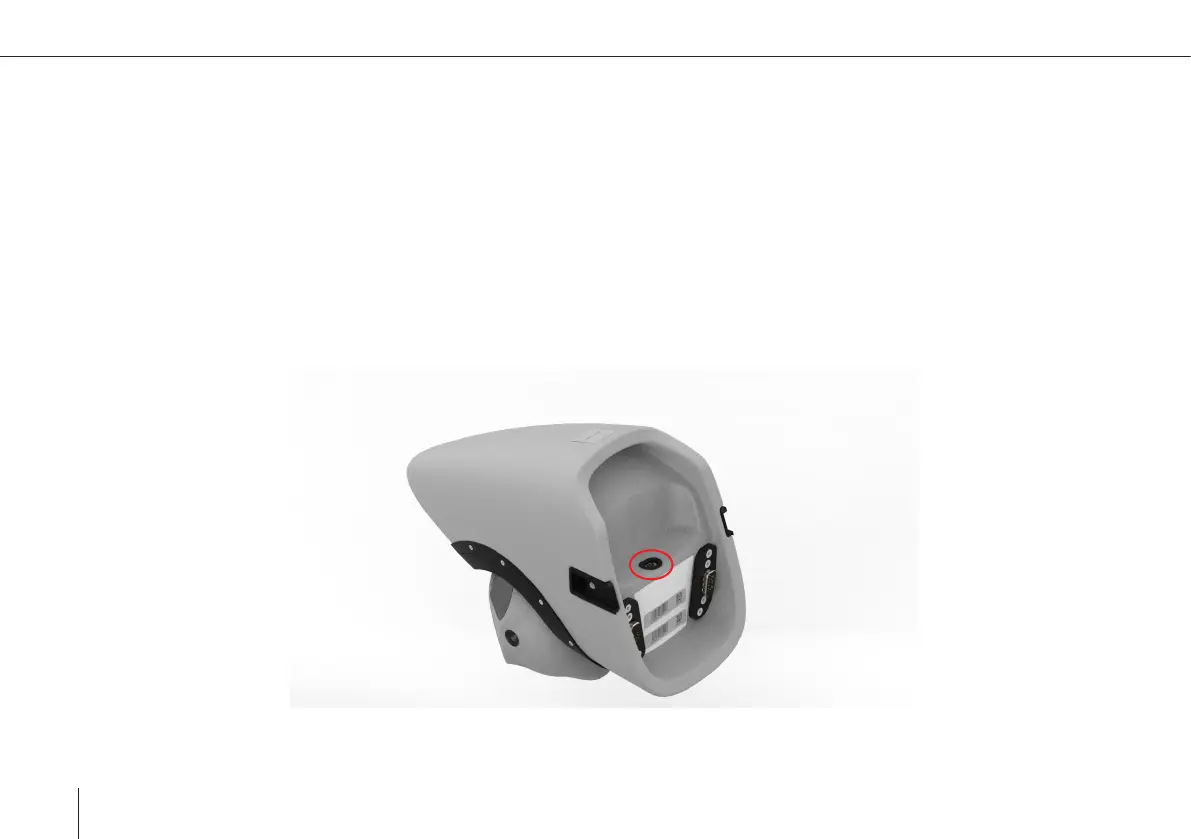
6. Please follow the instructions in QBase. The included magnetic USB-cable (small) needs to be connected to the Payload.



 To Next Page