73
Mission Operation
8
Terrain Following (Above Max. Leg Altitude):
The ight altitude per ight leg is based on the corresponding max. terrain
elevation.
Terrain Following (Above Avg. Leg Altitude):
The ight altitude per ight leg is based on the corresponding average terrain
elevation.
Advanced Terrain Following:
Additional waypoints inserted for more accurate terrain following. Possibility to adjust distance
between the inserted waypoints.
Finish Elements: Stop editing the element.
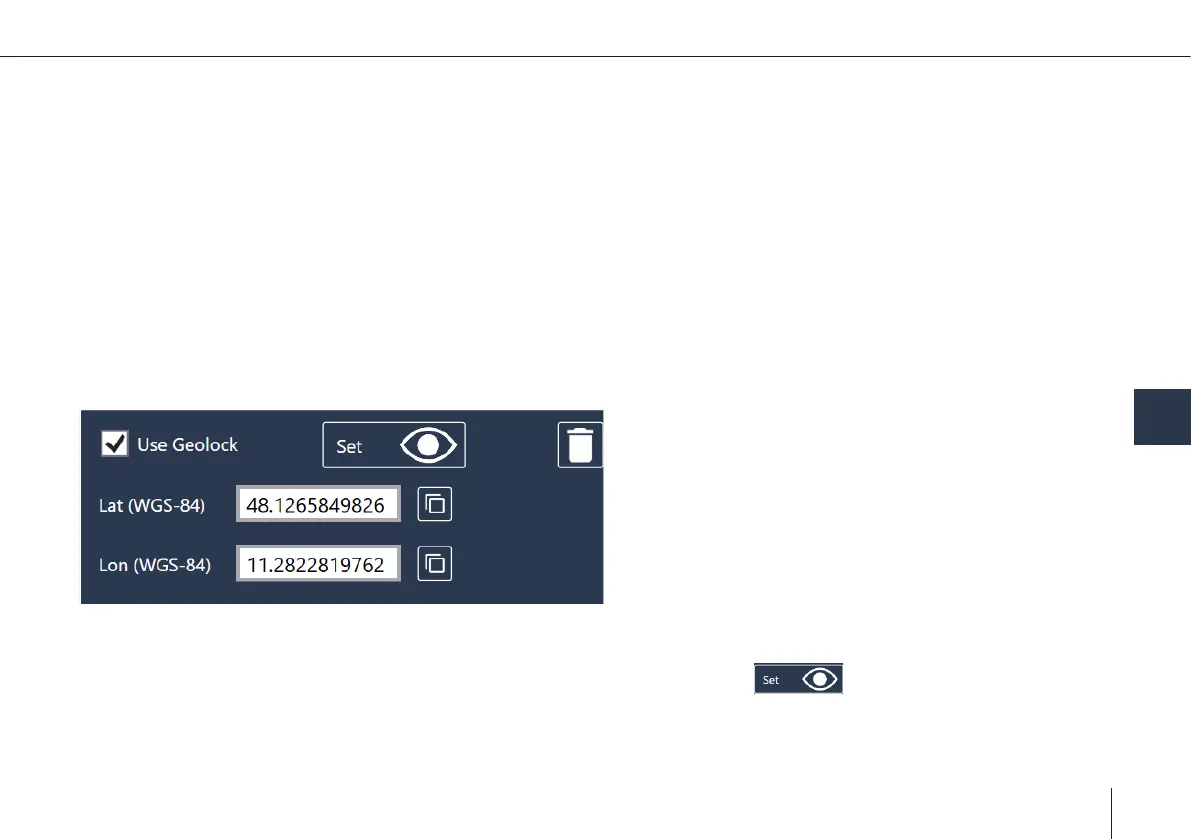
Geolock in path
• QBase Tactical offers the possibility to dene a geolock for each waypoint. To activate the feature tick the "use geolock"
box when creating/editing path-waypoints.
• To set the geolock either type in the coordinates in the respective box or click on and place the geolock in the map.
Note: To use predened geolocks in the path, there needs to be a connection between Ground Control Station and the Vehicle
during the mission.



 To Next Page