87
4. Select SD Card.
5. The UAV will be mounted as a local drive.
6. Open the local drive and select the LOG.bin les in the LOG directory.
7. Save the log les on your computer.
9.3 Replay
QBase automatically saves all relevant data to disk while it is running.
The recordings are stored in the Windows directory/Documents/QBase/
Recordings folder.
1. Inside QBase the recordings are accessible via Menu > Missions in-
side the Recorded tab.
2. The recordings can be displayed as a list, sorted by modication date
or on a map.
3. Click the load button on a recording to start the replay.
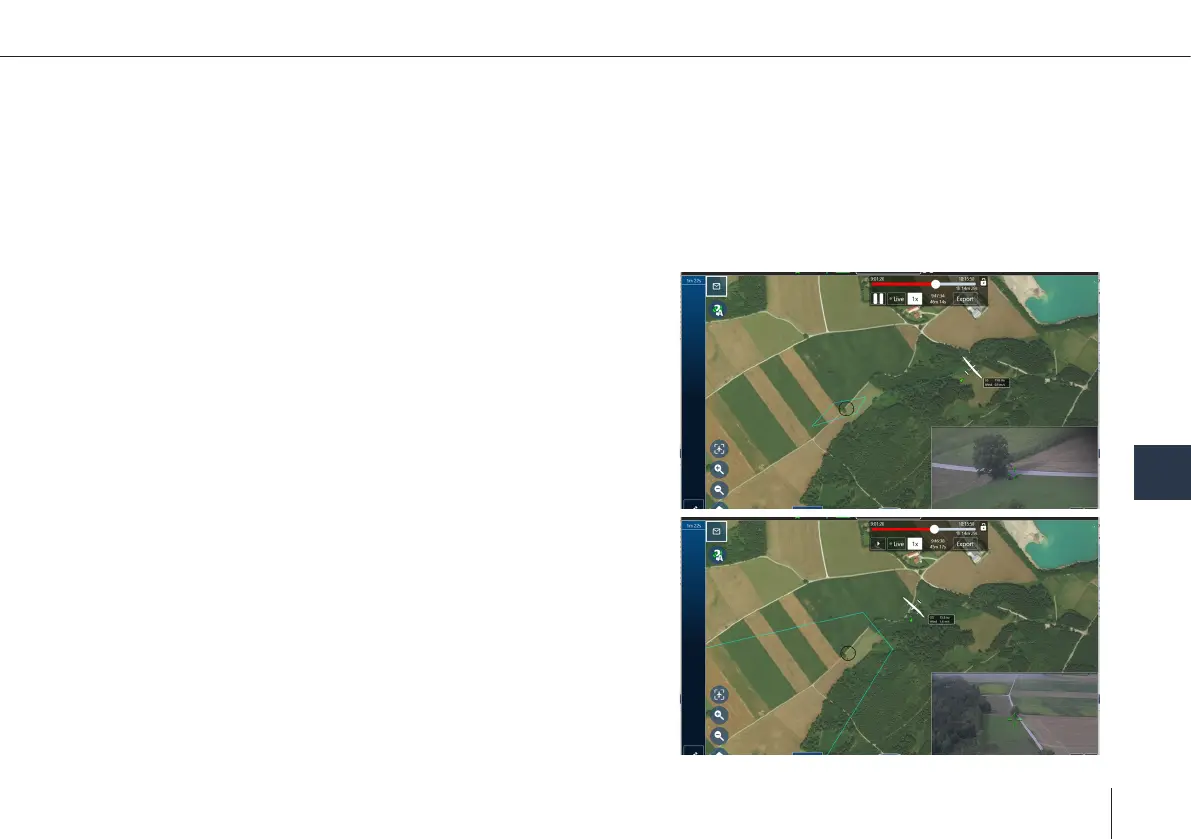
4. Use the replay control header widget to play and pause the replay or
jump in time, using the slider.
The replay speed is also adjustable.
The export button allows creating a video le of the currently selected
recording, which is stored in the Windows directory/Documents/QBase/
Recordings folder.
POIs created during a mission are stored in the recording.
POIs of an existing recording can be modied during replay.
After Action Reports
9



 To Next Page