108
11.9 Sensor Settings
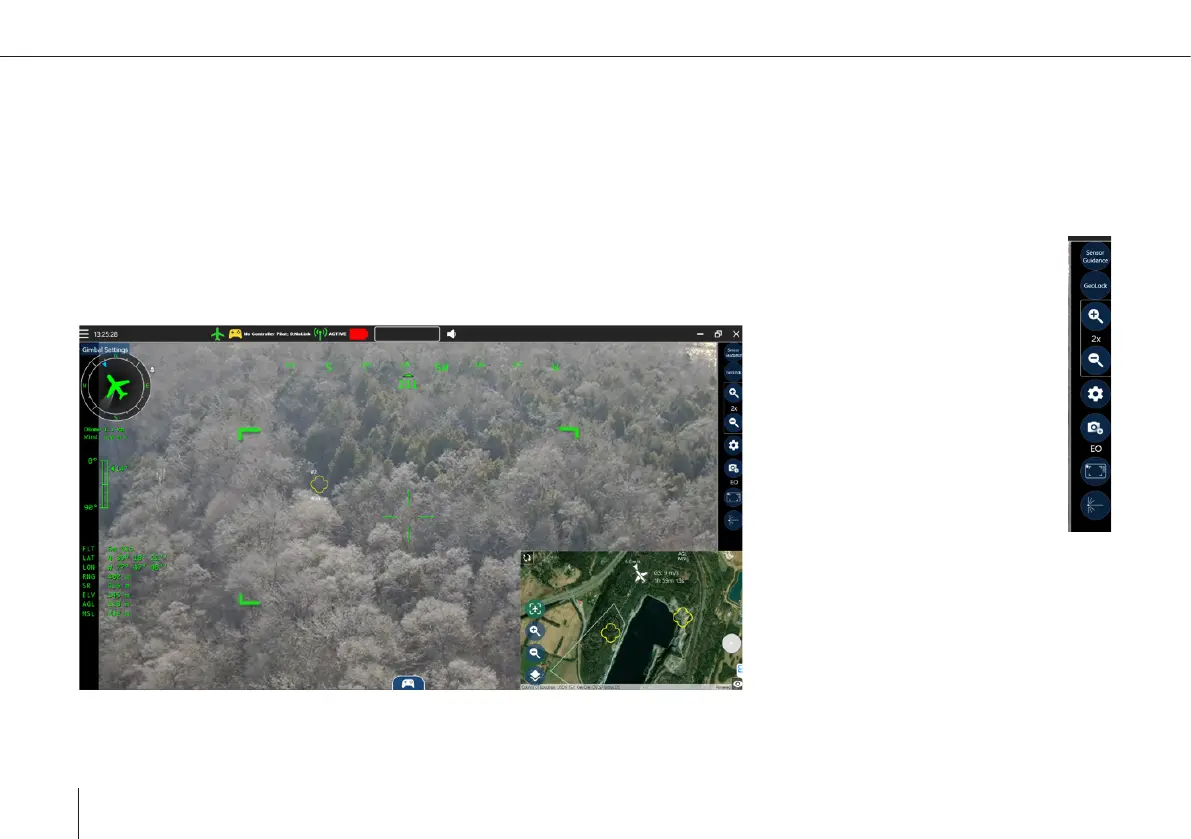
The gimbal controls toolbar, found on the right of the sensor screen, provides access to the zoom settings, the camera selec-
tion and the camera settings.
Zoom
The zoom can be set in xed steps by the + and - button, with the current settings displayed between them. To allow
assessing if a target will be still be visible when zooming in, the image section visible in the next zoom step is marked
by the green corners in the image.



 To Next Page