78
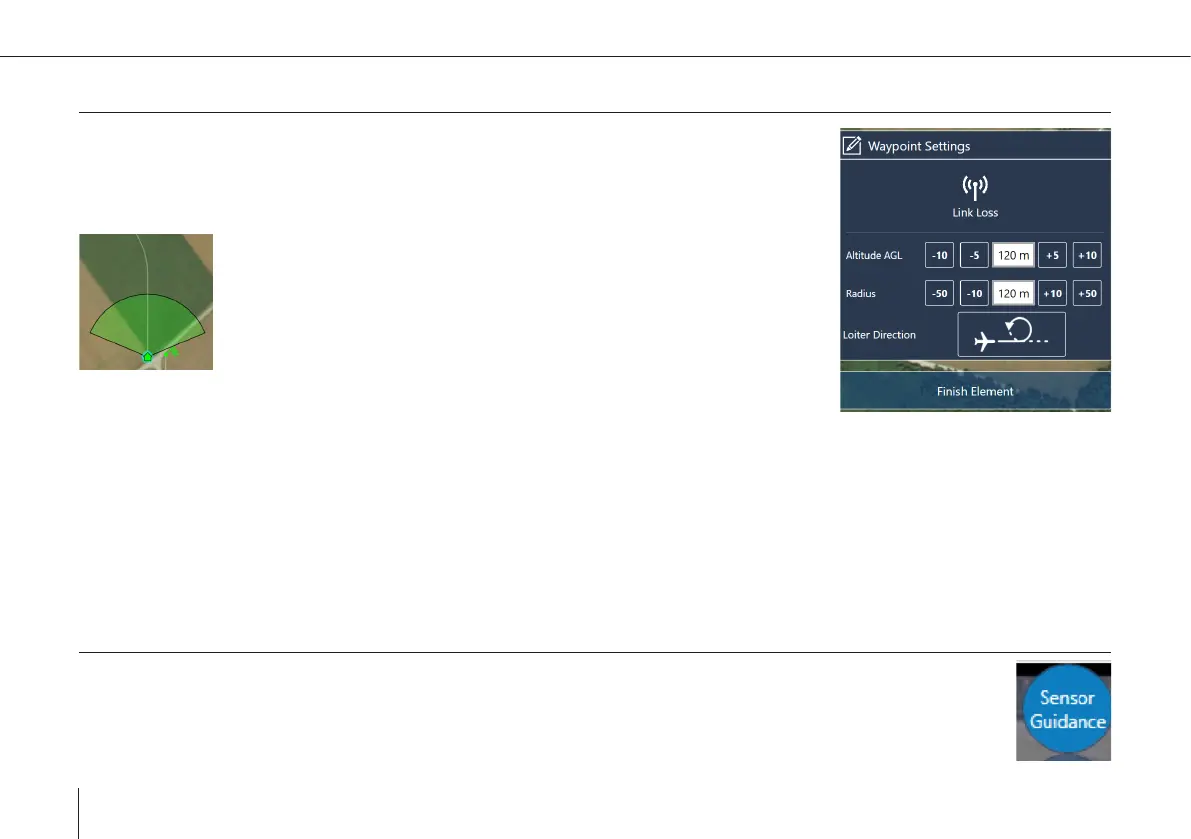
Set Link Loss
Link Loss Waypoint
• Select Set Link Loss in the category Add New Element.
• After link loss timeout the UAV returns to and circles around the dened waypoint.
If possible the link between QBase and the UAV or between the RC
transmitter and the UAV is reestablished. If the connection is successful,
either Continue the mission or select Coming Home on the transmitter.
Locate the Link Loss Waypoint close to the Home Waypoint to ensure the
data link can be reestablished.
Altitude AGL (Above Ground Level)
Set the altitude of the link reestablishing circle.
Radius
Dene the radius of the link reestablishing circle.
Direction
Dene the direction of the link reestablishing circle.
8.2.4 Controlling the UAV via Sensor Guidance
When following a target or scanning an area, it is more convenient to just control the sensor and to have the air-
craft follow the sensor target point automatically at a distance. This is possible with the Sensor Guided Mode.



 To Next Page