34
6.5.2 Data Link Handheld
Assemble/Disassemble
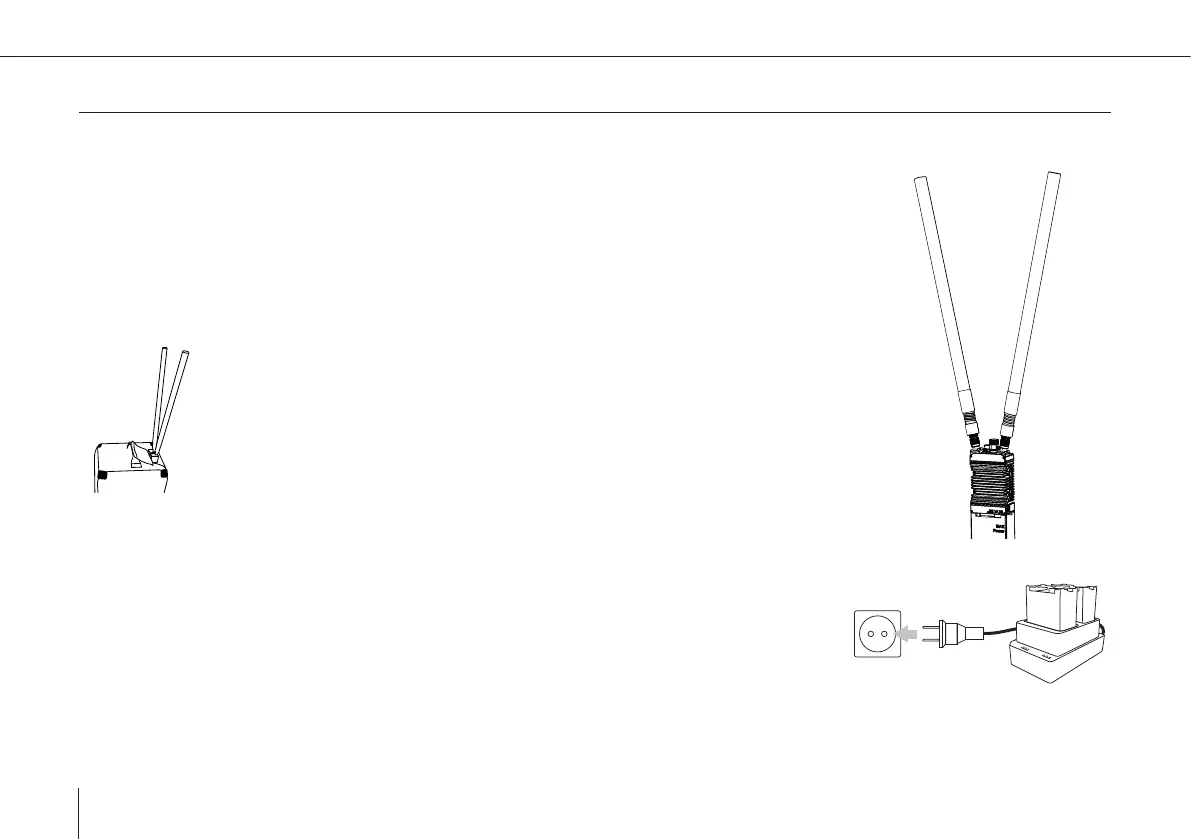
If the handheld is not already assembled please follow these steps:
1. Remove the (yellow) caps from the antenna connectors on the top side of the main part.
2. Connect both antennas to the handheld main part. Lock them with the screw –
lock mechanism.
3. Connect the battery to the handheld main parts. Lock it by the twist–lock mechanism.
4. Connect the Data Link Handheld to the mission computer (Skynav/Toughbook)
5. Start the QBase software on the mission computer.
TIP: When controlling/monitoring the UAV on the go it is possible to insert the
handheld into the corresponding slot on the top of the backpack.
Charging
1. Make sure the battery is disconnected from the handheld main part.
2. Connect the power supply to the charger.
3. Connect the power cord to the power supply and to a wall socket.
4. Insert up to two batteries into the charger.
5. The charging process will start automatically.
6. The successful charging process is indicated by permanently lit green LEDs.



 To Next Page