79
Mission Operation
8
• Activate: Select the control button in the top right of the sensor screen
°
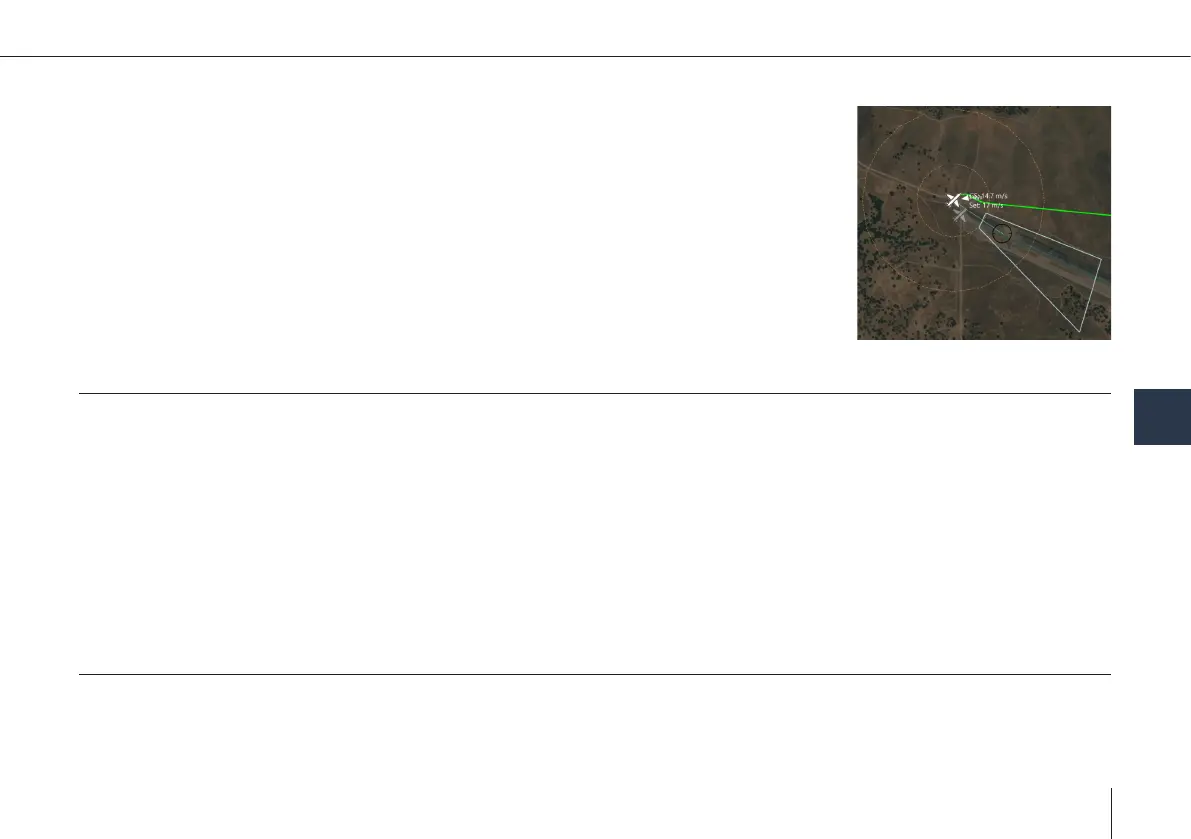
Two circles appear around the UAV on the map.
• When the gimbal target position on the ground moves into the inner circle, the UAV will
automatically move away, to avoid detection.
• When the gimbal target position leaves the outer circle, the UAV will automatically move
closer to improve sensor image quality.
8.2.5 Controlling the Sensor via Joystick
The sensor pan and tilt angles can be dened manually via the small stick on the left side. The stabilization mode can be selec-
ted via the gimbal mode menu on the right of the sensor screen.
Scene stabilization uses the image information to smooth out the movement of the UAV. This leads in general to a more stable
image, but is depending on enough variety in the sensor image. It will not work if large parts of the image are similar, e.g.
large meadows, snowy elds or smooth waters.
Scene stabilization cannot handle parts of the UAV appearing in the image, due to low tilt angles, and will lose the set orien-
tation. To avoid this, y higher or use Rate stabilization. In addition, when coming close to the Gimbal Lock position (directly
below the UAV), Scene stabilization also might lose its orientation.
Rate stabilization uses rate sensors to smooth out the movement of the UAV. It is generally less stable than Scene stabilization,
but robust to image disturbances.
8.2.6 Sensor via FPV Mode
The sensor can be commanded to point forward in order to support piloting of the UAV. This is done using the FPV button on
the gimbal control stick. The gimbal mode will display “Pos” for Position mode.



 To Next Page