114
12.1 Error Messages & Notications in QBase
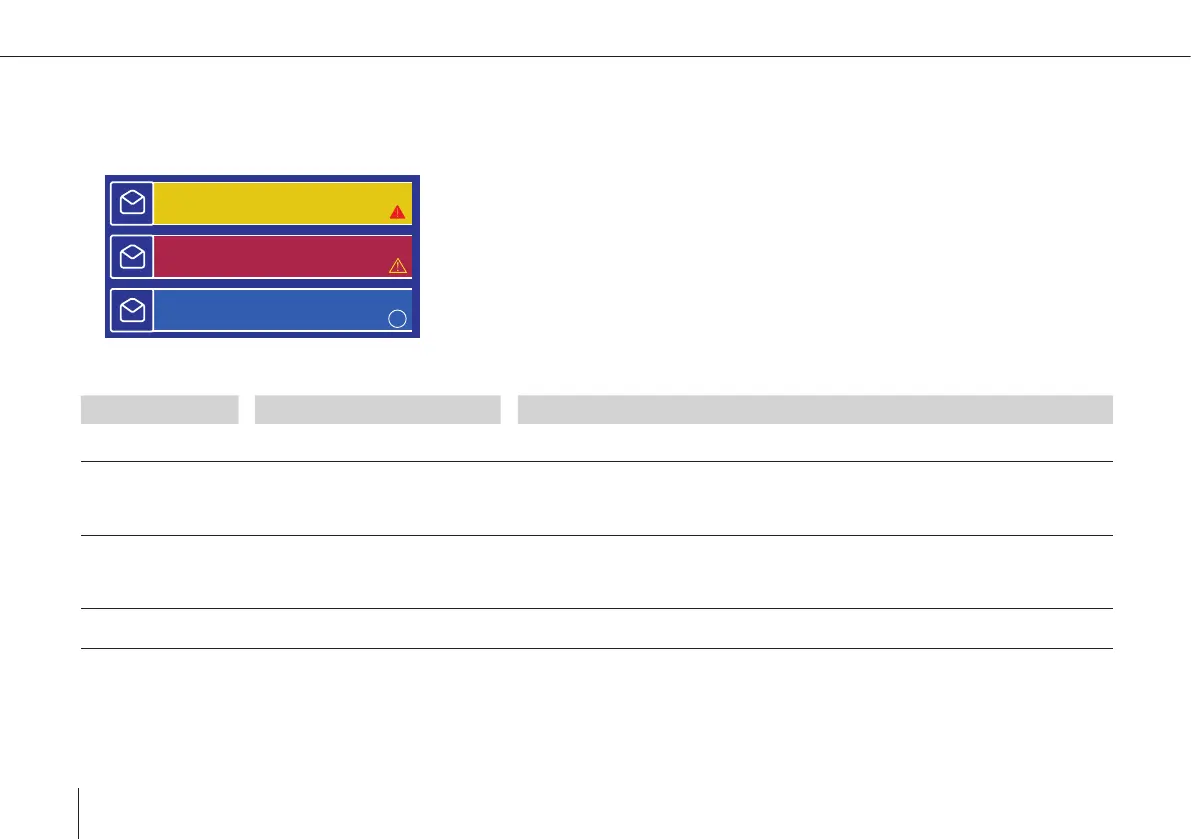
Messages are shown in the top left corner of QBase planning or monitoring view.
BATTERY LOW
11:03:55
WIND TOO STRONG
11:05:15
AIRSPEED ERROR
11:02:45
i
Red = Error
Yellow = Warning
Blue = Info
TEXT DESCRIPTION WHAT TO DO
ABORTED The calibration was aborted ma-
nually.
–
ACC ERROR An acceleration sensor error occu-
red during the preight check.
1. Disconnect the battery from the UAV and connect it again.
2. Make sure the UAV is not moving during the preight check.
3. Repeat the preight check.
ACTUATOR
MALFUNCTION!
REMOVE BATTERY
IMMEDIATELY!
A malfunction of an actuator has
been detected.
Remove the battery immediately to prevent further damage. Contact your Quantum-
Systems sales agent. The actuator has to be replaced.
AILERON
MALFUNTION!
There is a malfunction in the roll
movement.
1. Automatic
Come Home
is initiated.
2. Please check if the ailerons / the wings are connected correctly.



 To Next Page